92
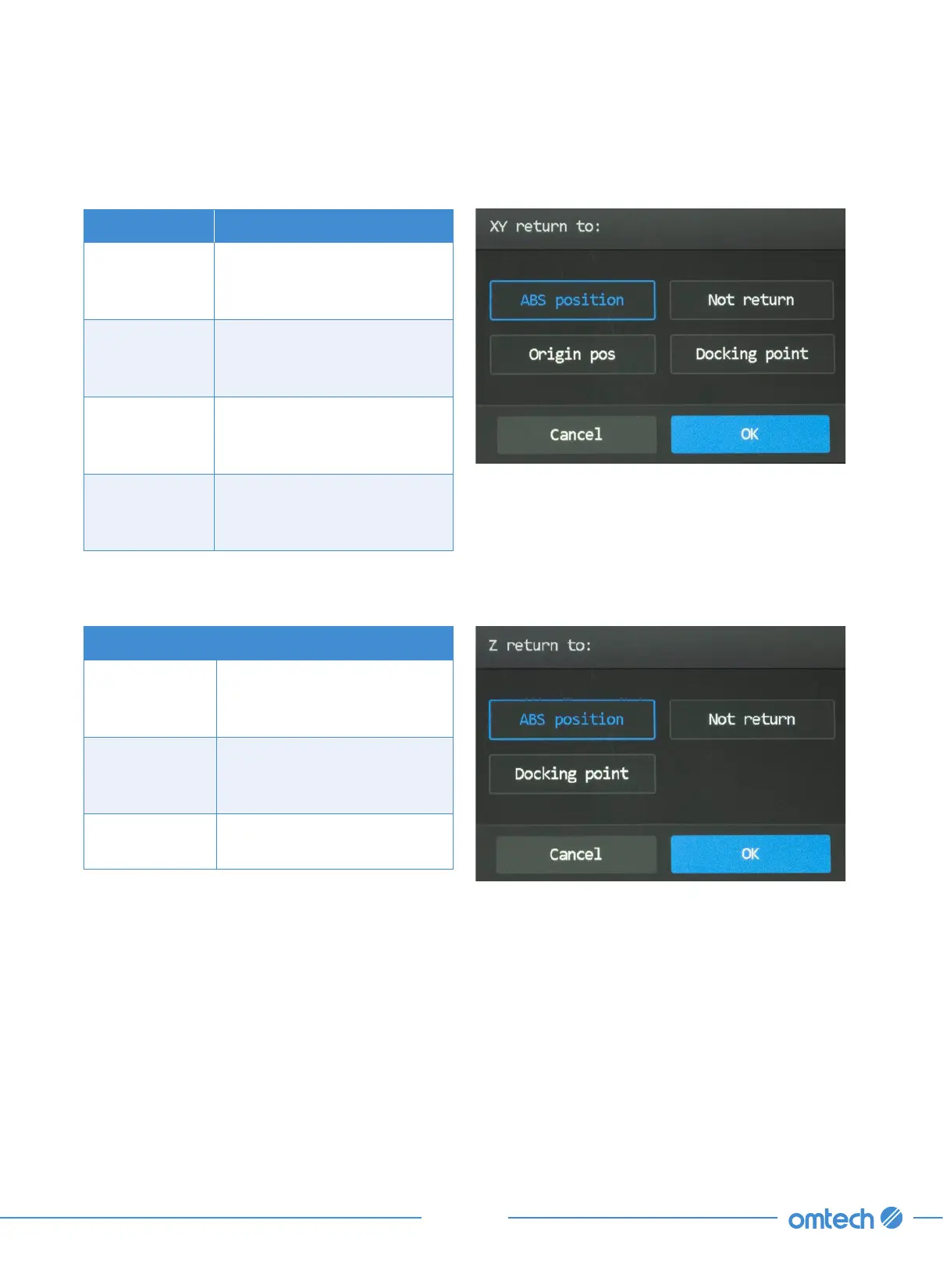
Under XY return to, there are four options for the laser head’s return: ABS position, Not return,
Origin pos, and Docking point.
Icons Functions
ABS postion
Sets the laser head to return
to the mechanical origin
along the X and Y axis.
Not return
keeps the laser head where
it stops after an engraving
task.
Origin pos
Sets the laser head to the
default origin along the X
and Y axes.
Docking point
Sets the laser head to
return to a preset X and Y
coordinates.
Under Z return to, there are three options for the laser head’s vertical position.
Icons Functions
ABS postion
Sets the laser head to return
to the mechanical vertical
origin
Not return
Keeps the laser head where
it stops after an engraving
task.
Docking point
Sets the laser head to return
to a preset Z coordinate.
After selecting the options for the laser head to return, tap OK to return the laser head. As this
happens, the system should be showing the status of the X, Y, and Z return at the bottom of the
menu as shown above. To stop, tap Stop.
6.6.7 System Reset
Tapping Reset resets the system and modifications.



 To Next Page