85
6. Touch Screen Operations
6.5 Setting File Parameters
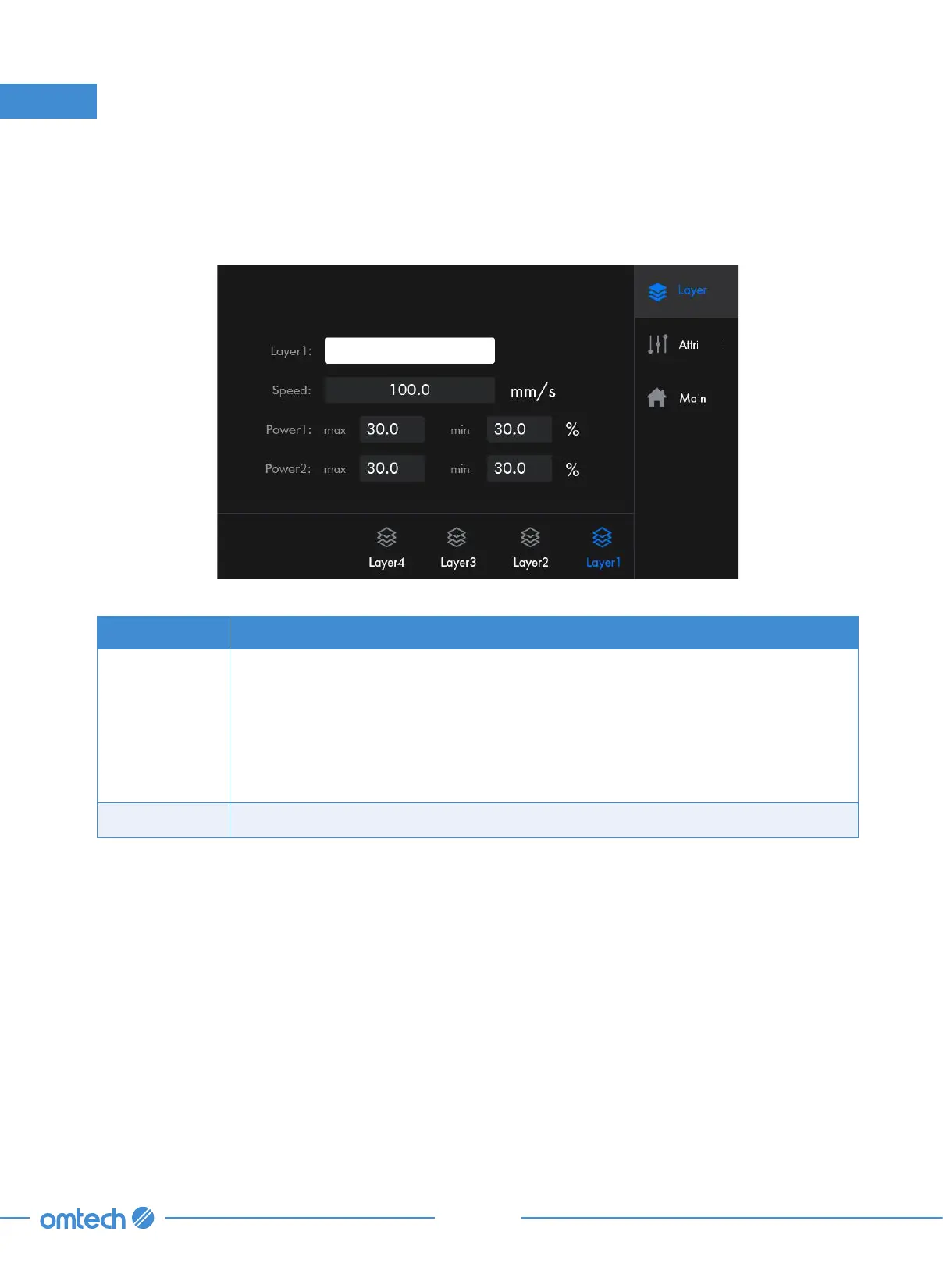
When in the main menu, tap the filename of the file to be processed on the left upper corner, and
the menu as shown pops up.
Submenus Functions
Layer
Encompasses the speed and power, which can be customized for each layer of
the file under this filename to your needs.
At the bottom of the menu shows all the layers of the file. If the total number
of layers exceeds 6, use the left/right arrows to browse through the layers. The
corresponding layer information will be displayed synchronously after the icon
of each button is tapped.
Attribute Encompasses four parameters concerning the way a file is processed.



 To Next Page