81
6. Touch Screen Operations
6.2 File Management
System Memory Files
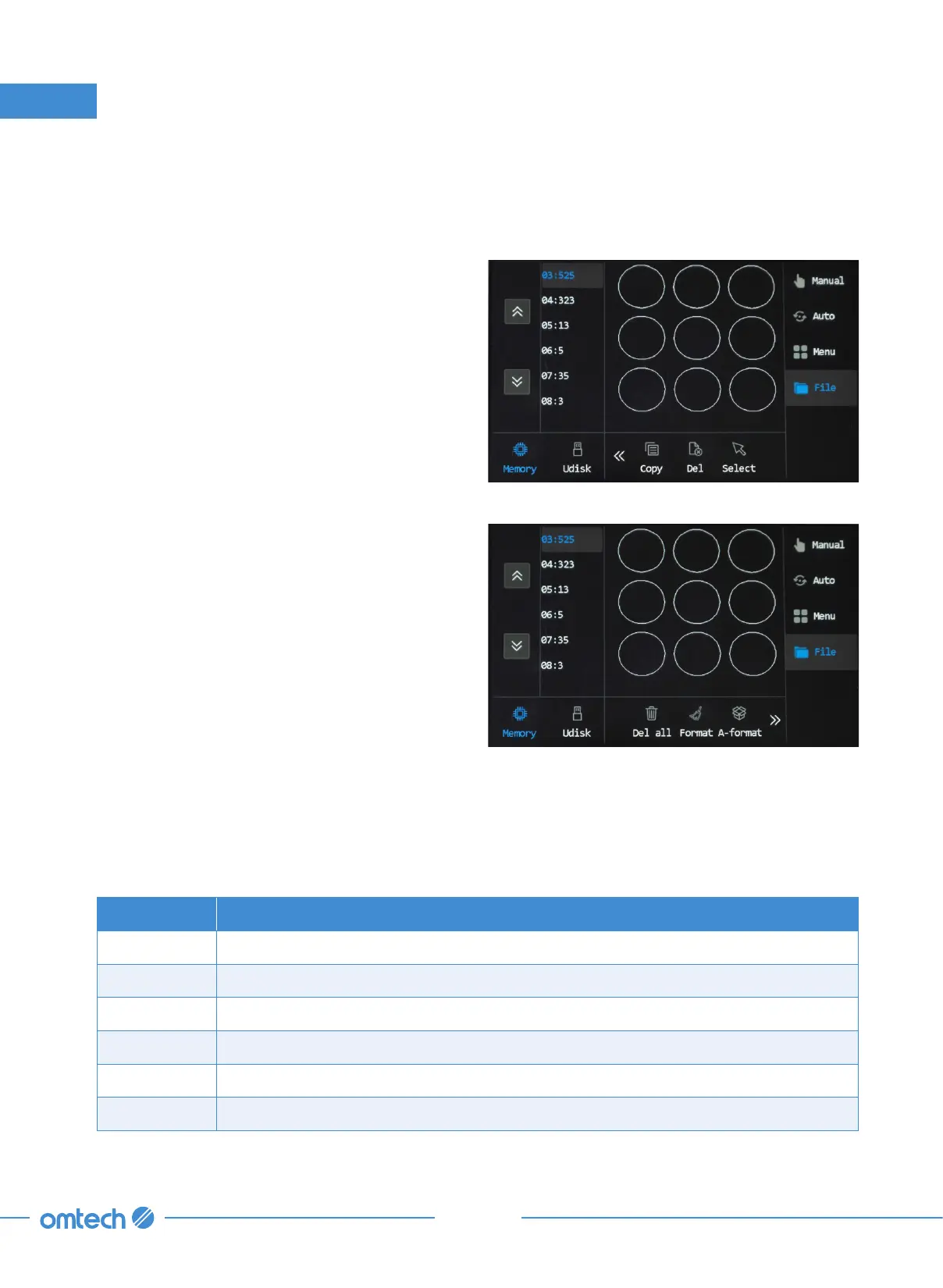
In the main menu, tap File, and the following
menu pops up.
Files are listed in the left column and a preview
of a selected file is shown in the graphic display
area. When there are multiple files, use the up
and down icons to scroll through the file list.
To see the preview of a certain file, tap the file, and the preview shows up in the middle of the
screen. Tapping the icon resembling a cursor readies the file for processing.
The memory and U disk icons in the lower left corner are used to switch between the system
memory and a USB flash drive.
Icons Functions
Copy Copies the selected file to U disk.
Del Deletes the selected file.
Select Selects the currently selected file as processing file.
Del All Deletes all memory files.
Format Quickly releases memory.
A-Format Formats system memory.



 To Next Page