82
USB Files
•
The system is compatible with FAT32 and FAT16 USB file formats. For best
results, however, store your files under the root directory of the USB flash
drive so that the system can recognize them quicker and easier.
•
By default, the system dissects a file name exceeding 8 characters and shows
it in more than one word. Also, the system cannot recognize file whose names
consist of characters other than English and Arabic numerals. All files exported
from the system to a flash drive are stored under the root directory of such
storage gadget.
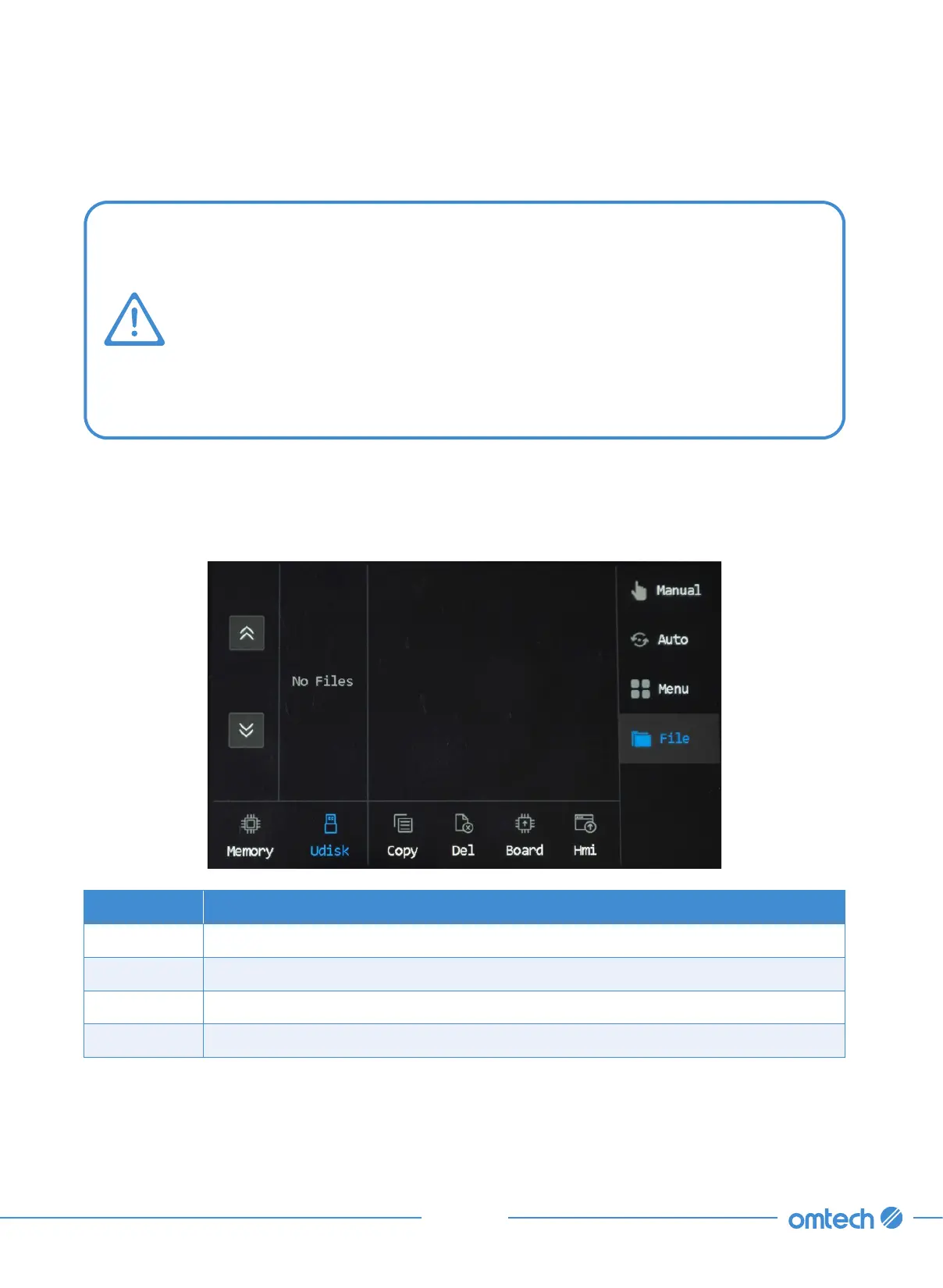
1. Tap File (if you haven’t done this), and the file management menu pops up.
2. Tap Udisk to switch the memory route to the USB flash drive that’s connected.
The 4 icons in the middle are for managing the USB files.
Icons Functions
Copy Copies the selected file from the flash drive to the system memory.
Del Deletes the selected file.
Board Upgrades mainboard program through the USB flash drive.
Hmi Upgrades the control panel program through the USB flash drive.



 To Next Page