65
5.2.4 Preparing the Engraving Pattern
5. Typical Operation Sequence
Step 1. Create the design.
Create the design that you’d like to engrave
or cut. (See
§
5.5 for engraving spherical or
cylindrical objects.) You can do this directly
in your engraving software or use any other
graphics program to create the image and
set its engraving parameters. Files should not
exceed 128 MB in size. Larger images will need
to be reduced in resolution or divided into
pieces for separate engraving.
Step 2. Set the Parameters.
Speed Levels
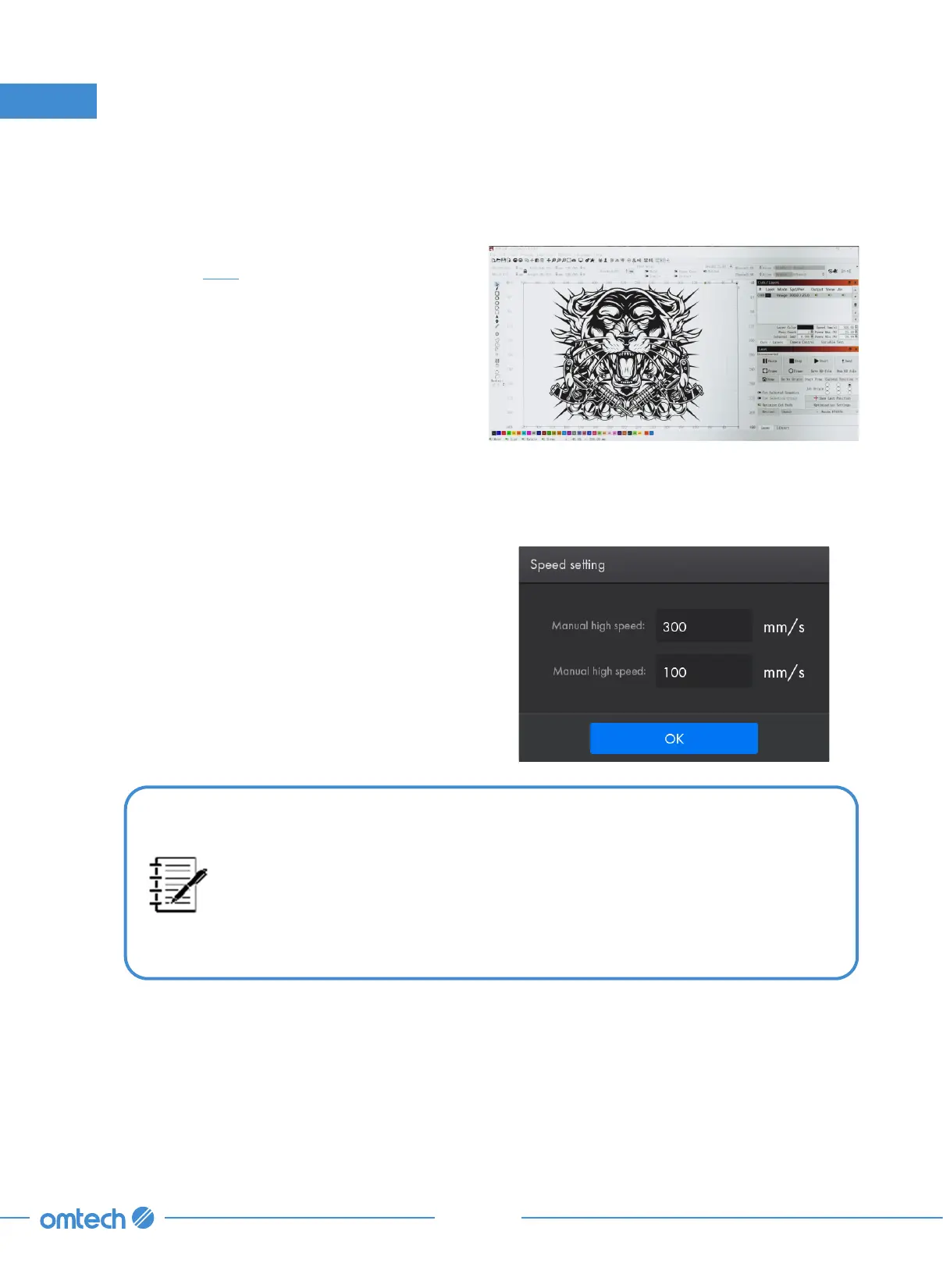
1. Tap “Speed” in Parameter Display Area
from the home menu, and the right pop-up
shows up.
When the system is idle, the speed parameters controls the manual high
speed and manual low speed. That is, the speed range that the laser head
can be manually moved to reach, which is convenient for debugging and
calibrating.
When the system is running or paused, those speed parameters control the
processing speed of the laser head.



 To Next Page