111
8.2.2 Cleaning the Focus Lens
The lens has a durable coating and won’t be damaged by correct and careful cleaning. You should
check the lens and the third mirror daily and clean them if there is any debris or haze on their
surfaces. Your laser will be less efficient and heat buildup on the oil or dust itself can damage them.
*Cleaning Frequency: Daily, after each use
8. Maintenance
•
Disconnect the engraver from power before cleaning.
•
Completely wipe dry the surfaces after cleaning.
•
NEVER allow water to come into contact with the electronic elements.
•
Be careful in all of the following steps not to directly touch the lens surface
with your hands or any dirty, oily, or abrasive surface. Use lens-safe gloves or
cloths only.
*Depending on what you’ve been engraving, you might need to clean the
engraver more or less often. However, we suggest cleaning it after each use for
the best results.
Tools Needed:
•
Pressurized Air
•
Hex Wrench
•
Cotton Swab
•
Lens Cleaning Fluid
•
Lens-safe cloth/tissue
Step 1.
Move the workbed to about 4 inches
(10 cm) beneath the bottom of the lens
nozzle.
Step 2.
Move the laser head to a convenient
location and put soft material
underneath it so the lens will be
protected if it accidentally falls loose
during removal or replacement.
Step 3.
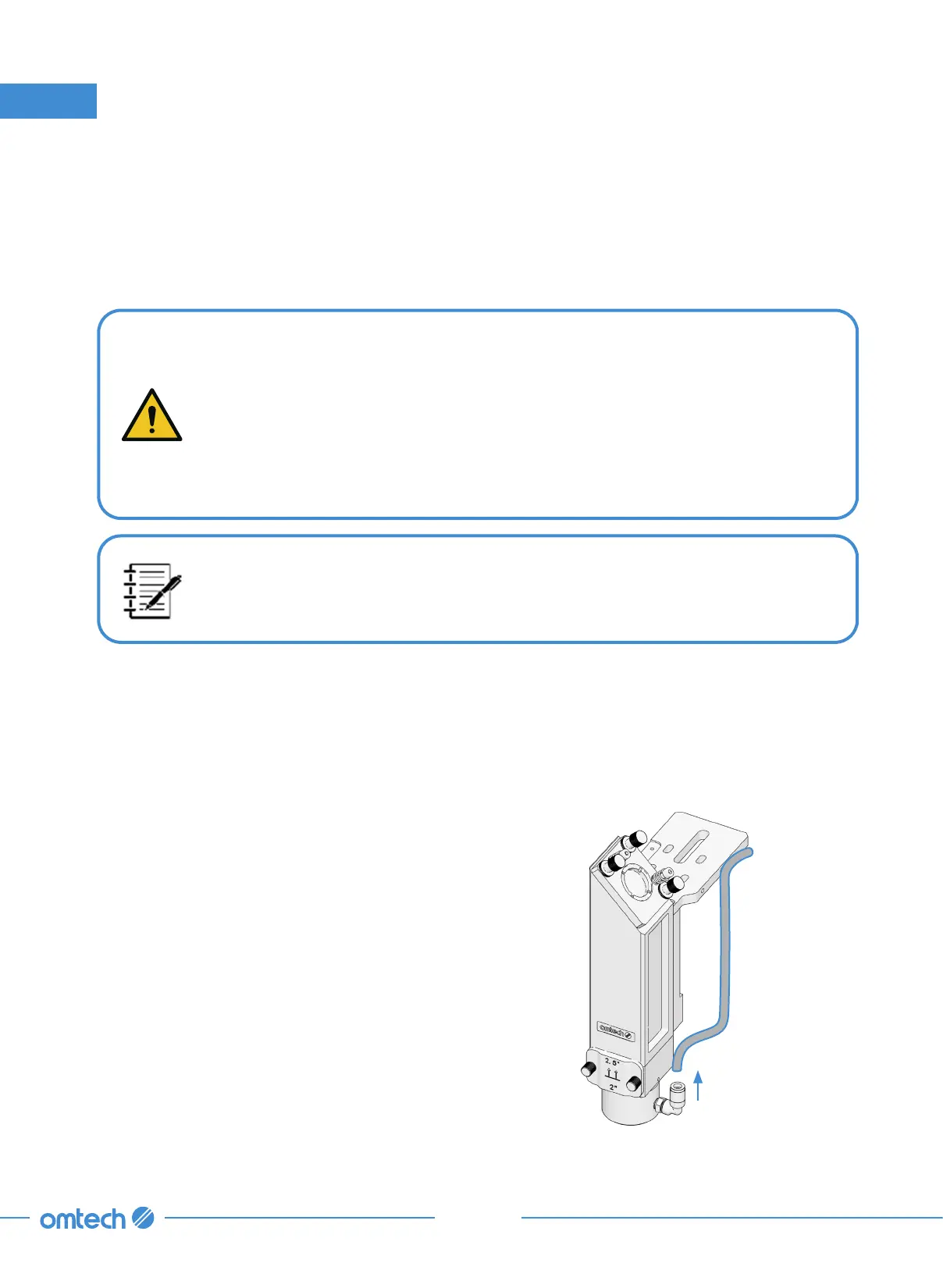
Remove the air assist hose from the
laser nozzle.
Air Assist
Hose



 To Next Page