69
•
It is recommended that you start each session by pressing . This lets
you check that the laser will begin where you want and that your material is
correctly placed.
•
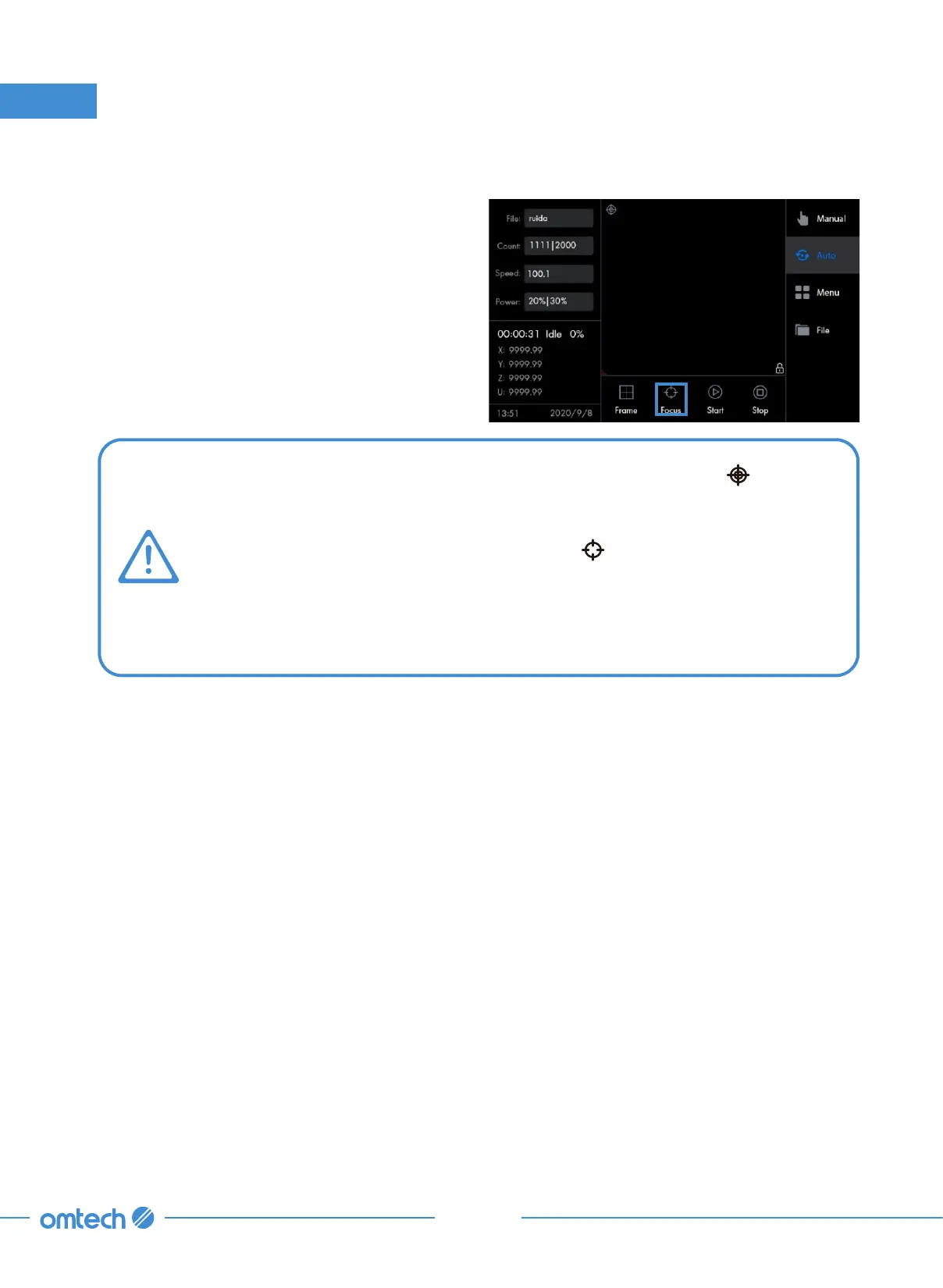
Activate the standard autofocus by tapping . The autofocus will be done
automatically. The workbed will be moving upward and then keep moving
upward even though the laserable material has contacted the laser head. This
is normal. Feel at ease. After pressing against the laser head for a while, the
workbed will start moving downward and then stop at a perfect focal height.
5.2.5 Autofocusing
Tap the focus icon and the laser head should
start move toward the simple material, stopping
when the correct focal height has been reached.
5. Typical Operation Sequence



 To Next Page