64
5.2.3 Preparing Material
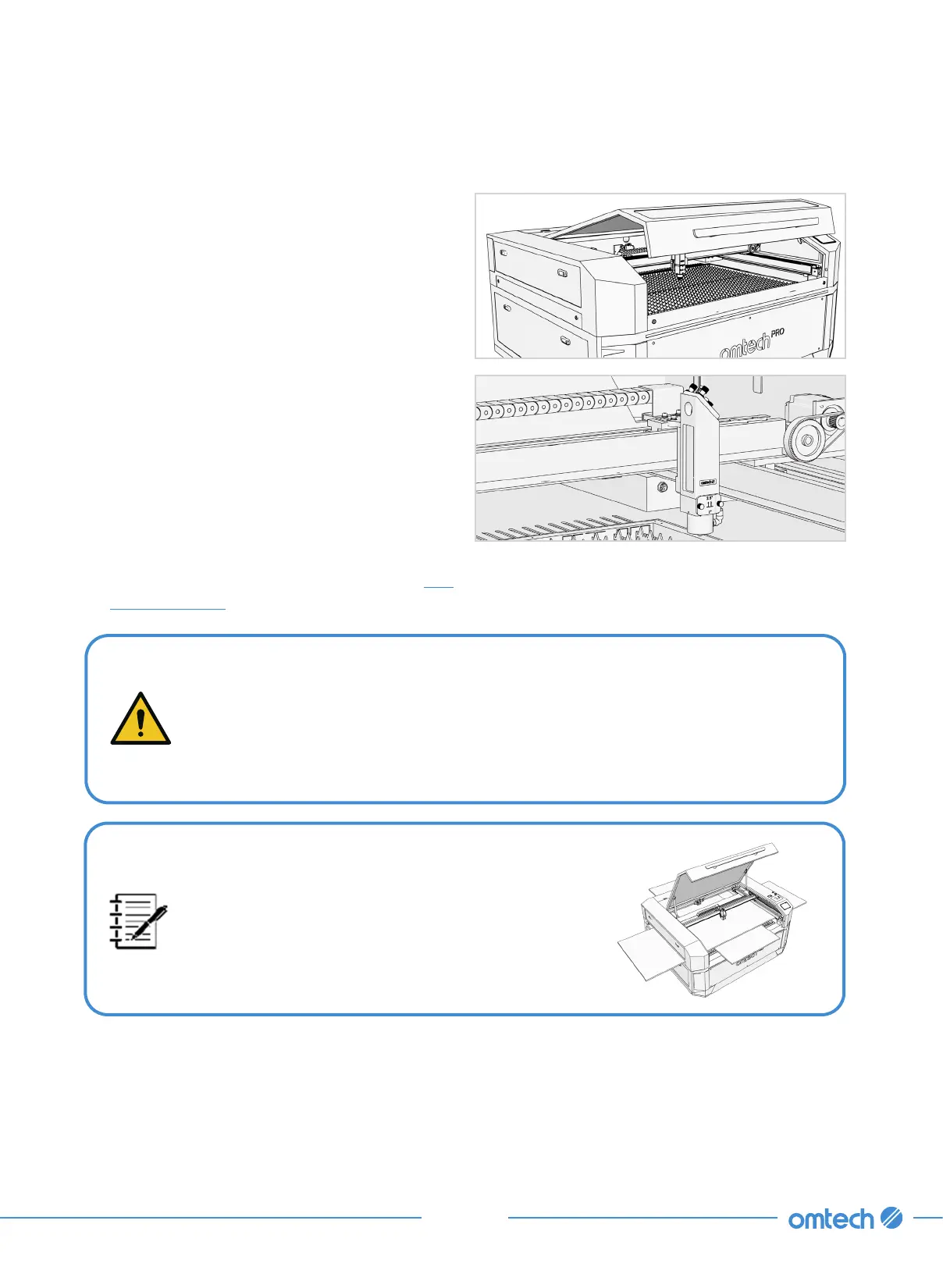
1. Open the engraver’s cover.
2. Place a sample piece of your material on the
workbed.
The default location of the laser head’s zero
position is at the top right corner of the
workbed. This can be changed by moving
either your design or the engraver’s origin
position using the control panel or your
engraving software.
For instructions on material safety, see
§1.7
Material Safety
.
DO NOT insert anything through the pass-through doors other than the material
once the laser is active. Pay special attention to the fumes and dust that may
be released through these doors. Be sure that your ventilation system is strong
enough to pull in all of the byproducts or wear the necessary PPE to ensure the
health of users and passersby.
For heavier pieces of material, be careful to
distribute its weight as evenly as possible across
reinforced supports. For larger pieces of material,
you may open the front, rear, or side pass-through
doors.
3. Close the engraver’s cover.



 To Next Page