63
5. Typical Operation Sequence
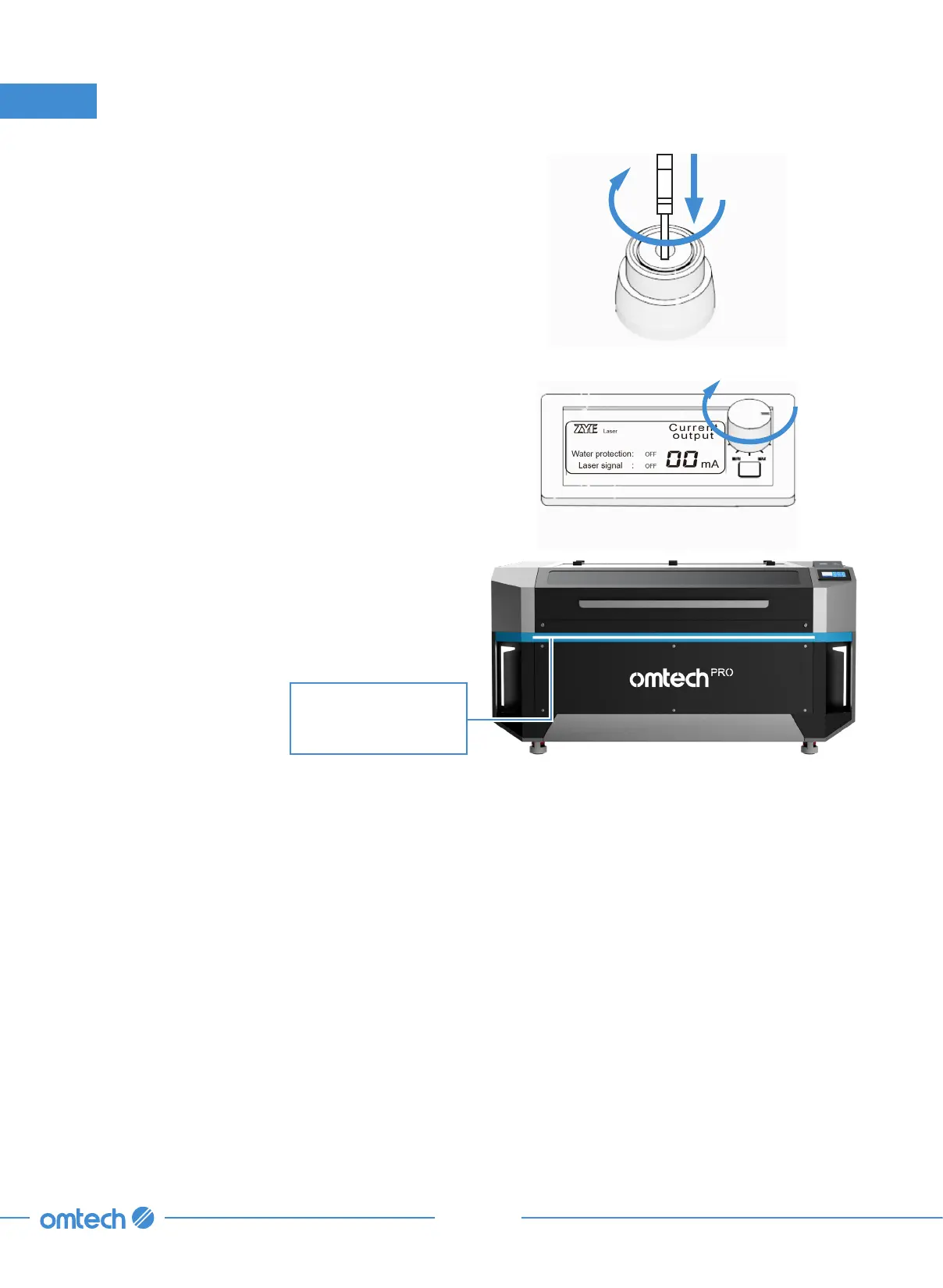
5. Use the key to activate the laser lock.
6. Turn the ammeter knob clockwise to its
maximum setting.
7. Flip the light switch below the Ethernet port
to — position for best view results.
8. Wait until the engraver is in the standby
mode and ready to use.
Status Indicator Light
•
Green: Operational mode
•
Blue: Standby mode
•
Red: Alert mode



 To Next Page