90
Continuous Movement
To check that the laser head and the workbed can move continuously under manual mode:
1. Tap Manual mode and select the other option than step.
2. Tap
to use a set slow or fast speed. When S is in blue, the selected axis travels at a slow
speed. For speed adjustment, see
§
6.3 Setting Speed Levels.
3. Tap any axis icon, and the laser head or workbed should move as you tap the icon and stop as
you release.
6.6.2 Manual Laser Firing
Tap and the laser head should fire laser beam. The laser stops as the icon is released.
Always make sure there is a laserable workpiece under the laser every time
before you fire the laser.
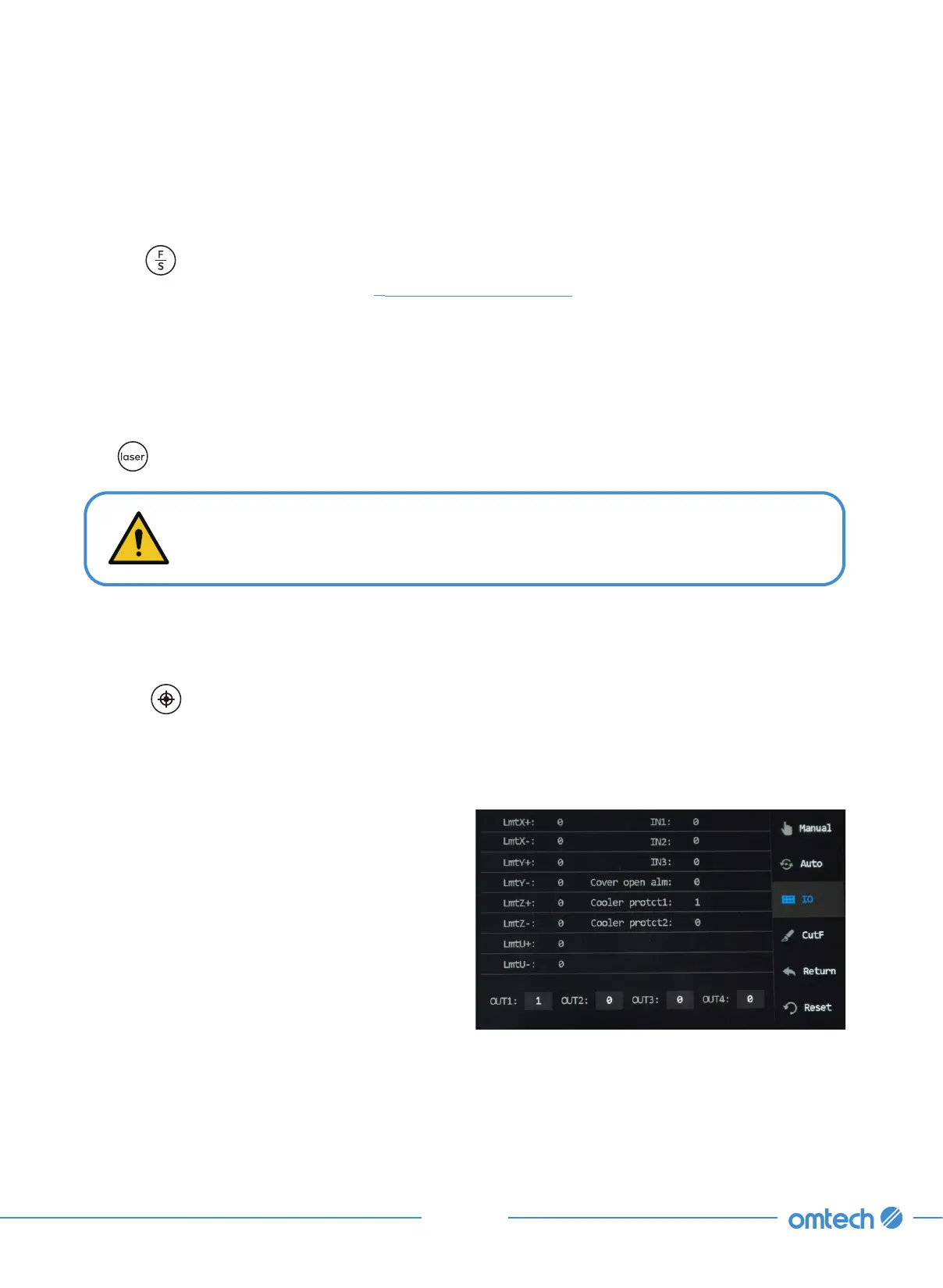
6.6.4 IO Diagnosis
Tap IO, and the menu pops up as shown.
The alteration of those parameters is currently
disabled.
6.6.3 Laser Head Positioning
Tapping sets the current position of the laser head as a positioning point.



 To Next Page