62
5.2.2 Powering on
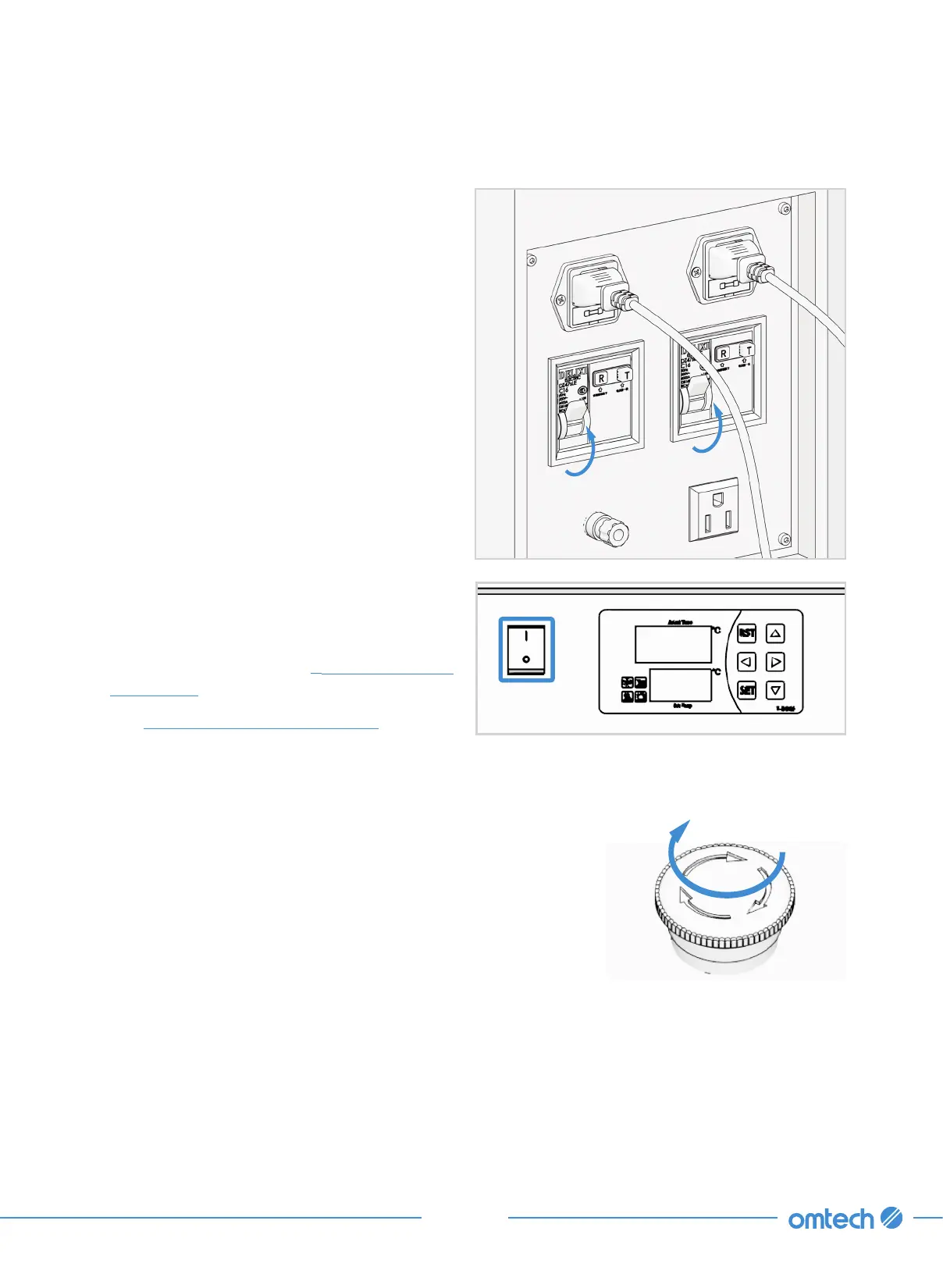
1. Flip both circuit breaker switches to the ON
position.
2. Turn on the water chiller by pressing POWER
switch to — position.
For detailed information about water chiller
temperature setting, see
§
7.2 Water Chiller
Adjustment (Page 106).
See
§
3.5 Water Cooling Installation (Page 31)
for what needs to be carefully checked when
the chiller is fully operational.
3. Turn on the fume extractor or additional ventilation system.
4. On the control panel, slightly rotate the emergency stop
button clockwise until it pops up.
The laser head automatically resets and then moves to the set
zero point.



 To Next Page