80
All the settings and parameters on the touchpad
can be accessed and changed through tapping.
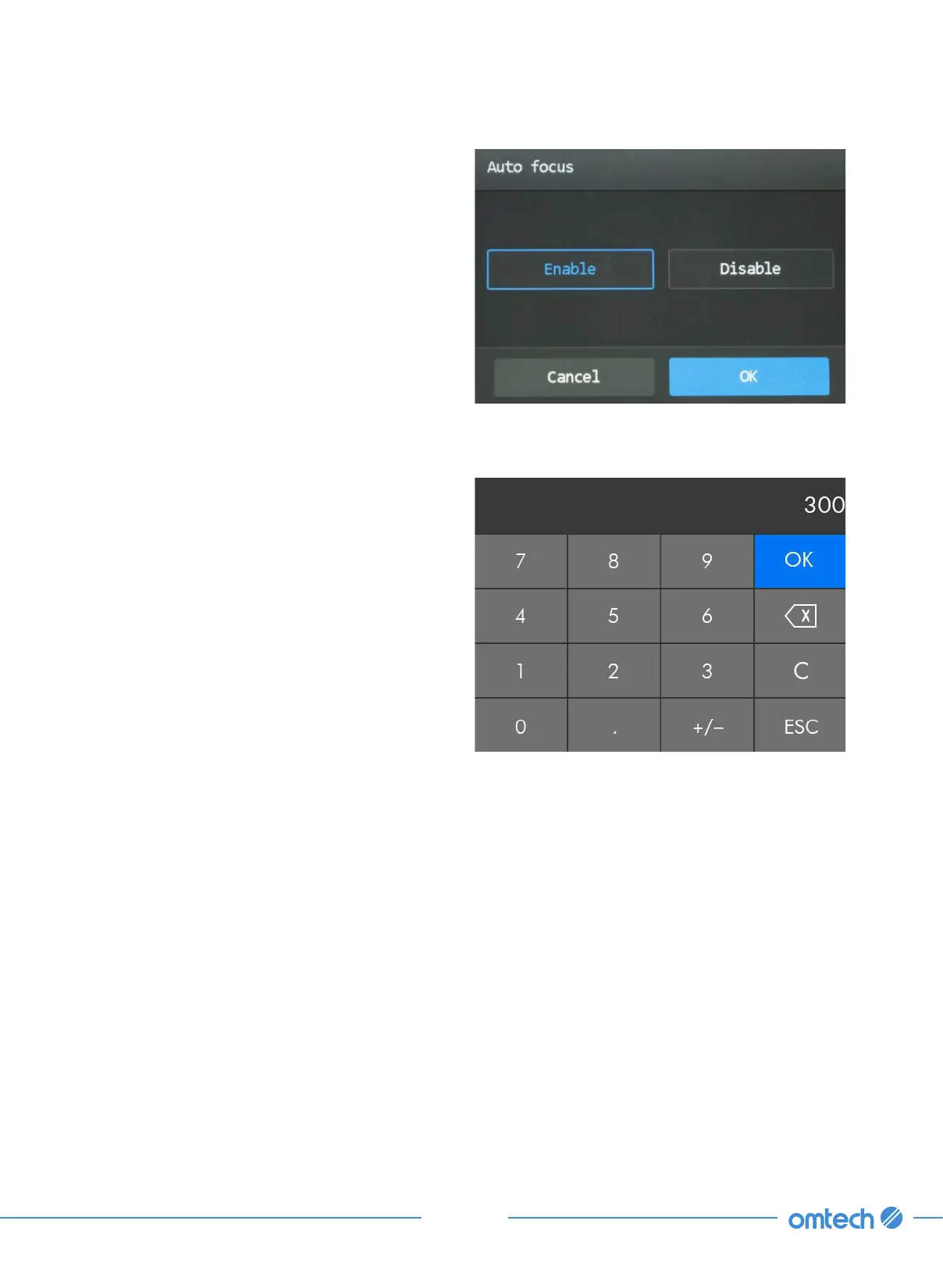
For settings that pop out, their alterations and
confirmations are done through tapping Enable
or Disable. Tap OK to save the change.
For parameters with numeric values,
1. Tap the value to enter the value, and a
numeric keyboard shows up as shown:
2. Enter the value needed and tap OK to save
the change and exit the current menu.
Tapping ESC cancels the modification and
exits the current menu.



 To Next Page