53
3. Installation
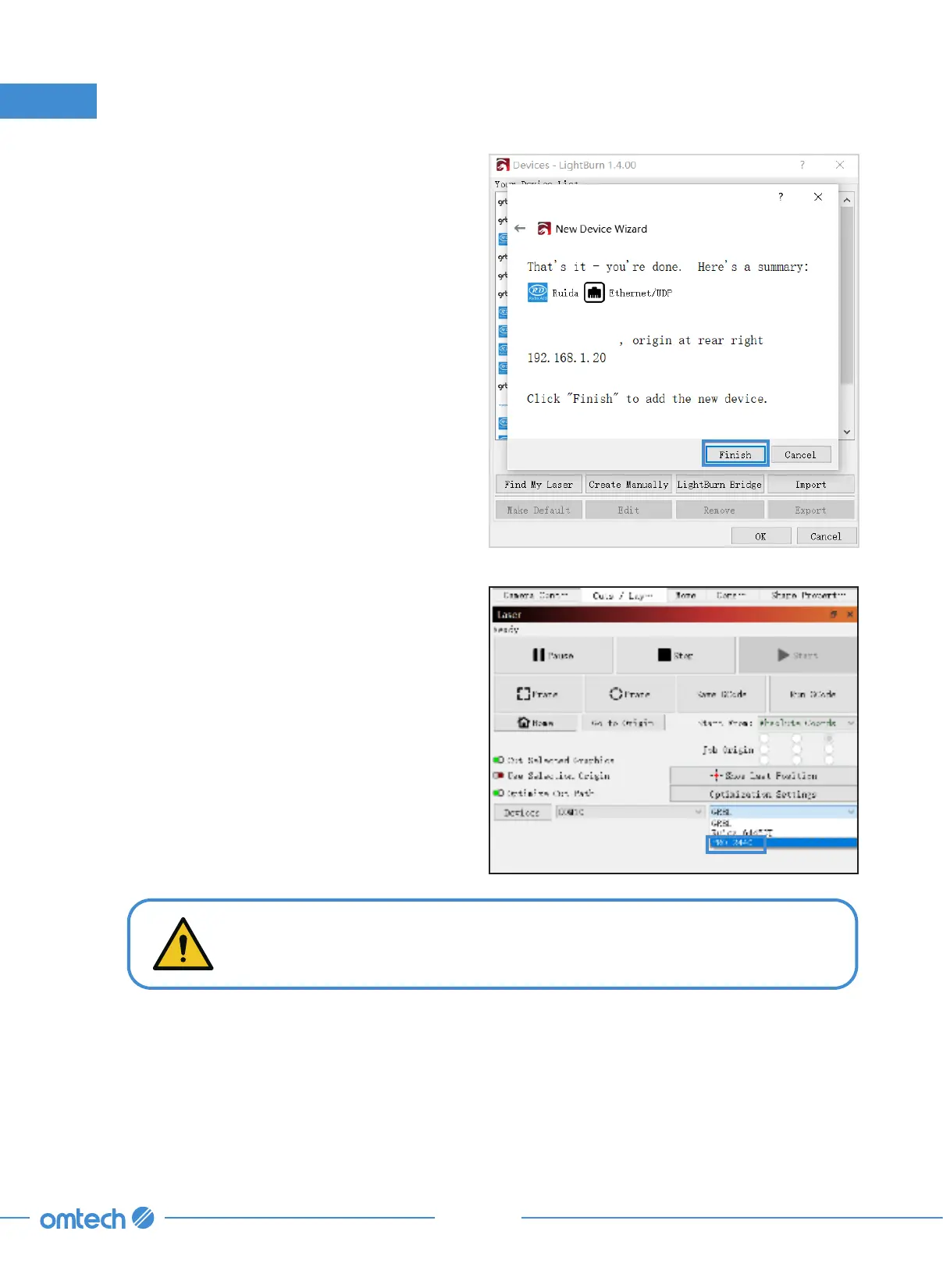
9. Confirm your configuration and click “Finish”
to close the pop-up.
PRO 3655
1400mm x 900mm
10. Click the device drop list in the lower
right corner and choose “PRO 3655”. The
engraver is connected when the system
shows “Ready”.
DO NOT connect your computer to the engraver with a network cable. The
port marked with “Ethernet” on the engraver is for internet connection.



 To Next Page