•
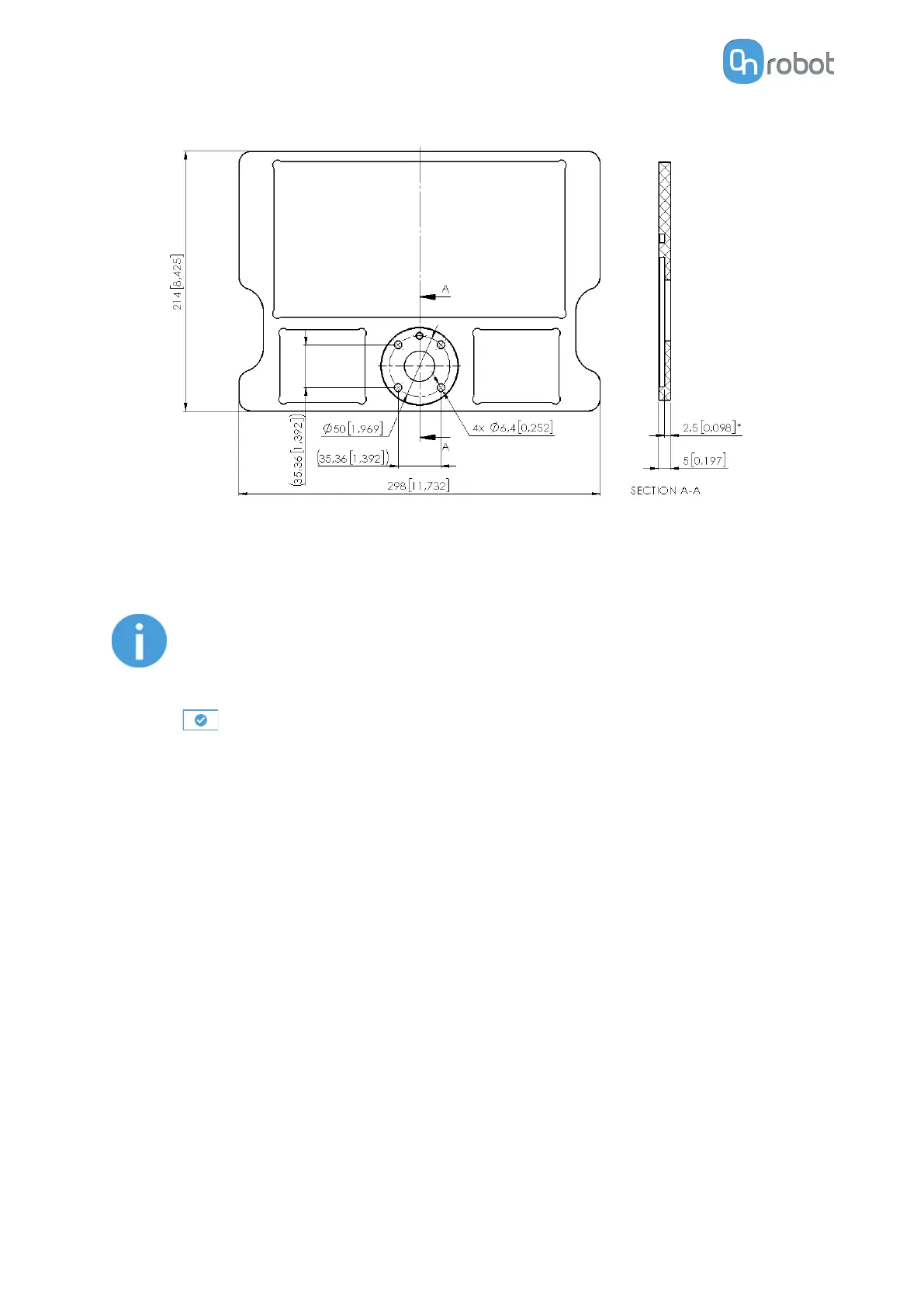
Attach the calibration plate to the robot tool flange using the provided M6x12 screws.
•
Move the robot so the calibration plate sits on the workspace within the camera view
and the inner corners of the pattern are marked in green.
•
Press the Calibrate External Camera button.
NOTE:
If the external camera is moved at any time with respect to the robot, a new
calibration is required.
•
Press
.
SW INSTALLATION
44



 To Next Page