•
Press .
•
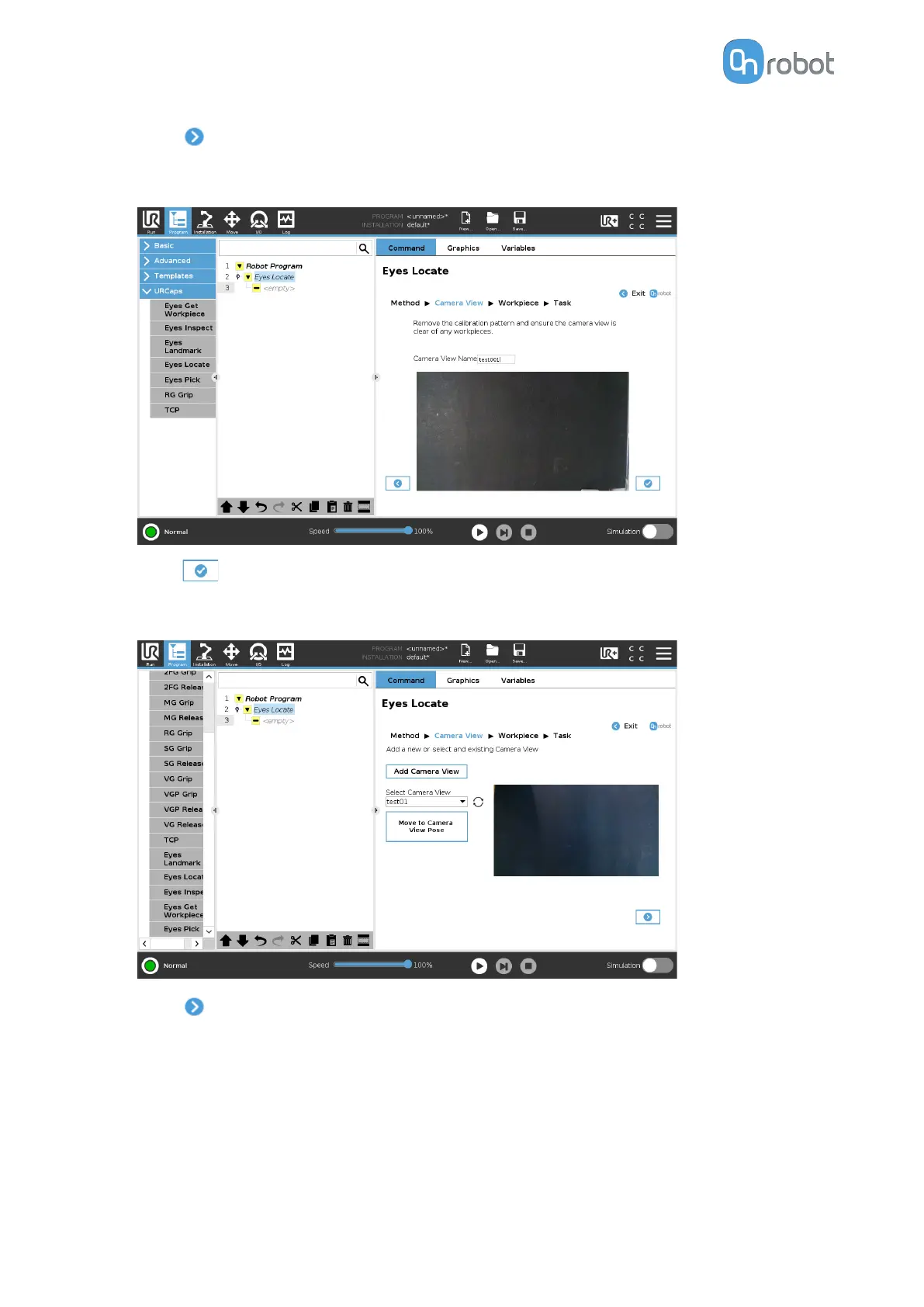
Remove the calibration plate and ensure that the camera view is clear of any objects.
Avoid shadows that do not belong in the scene.
•
Press
.
•
The image shows the newly created camera view. The task will automatically use this
camera view.
•
Press
.
If the selected method is by color and size, go to Task Using Detection by Color and Size.
II/3. Workpiece
A workpiece is a representation of one side of an object.
OPERATION
50



 To Next Page