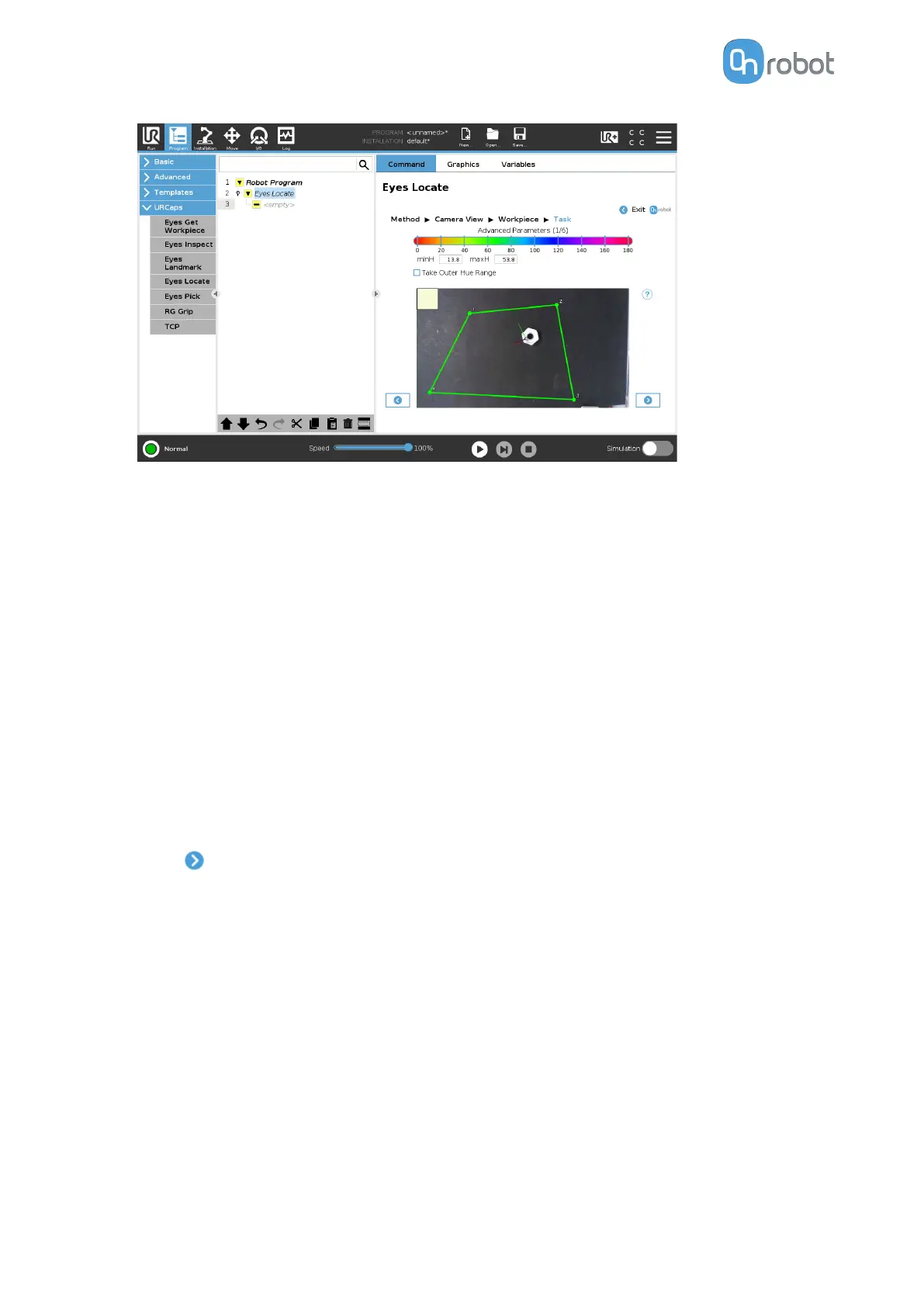
The Hue, Saturation, and Lightness parameters defines which objects are going to be
detected in the Eyes task:
•
minH and maxH: Represents which range of colors are going to be considered part of
the foreground. Use the Take outer hue range option if you want to select the outer
range of colors.
•
minS and maxS: Represents how vivid the colors of the workpiece need to be to be
considered foreground. The higher the saturation, the more vivid the color is. For
example, pure red color has higher saturation than pink.
•
minL and maxL: Represents the brightness of each pixel in the image. Higher lightness
indicates white and bright colors. Black and dark colors have low lightness values. This
parameter can be used to distinguish objects with no color, meaning black, white, and
dierent shades of gray.
Negate: Switches between the foreground and the background in the image. You can
detect dierent objects on a uniform background, just set the previous parameters
considering the background as the object, then use the negate parameter and all
objects in the background will be detected.
•
Press
.
•
Adjust the detection by setting the Blob area min, Blob area max, Detection height min,
and Detection height max parameters.
OPERATION
55


 To Next Page
 Loading...








