Eyes Inspect
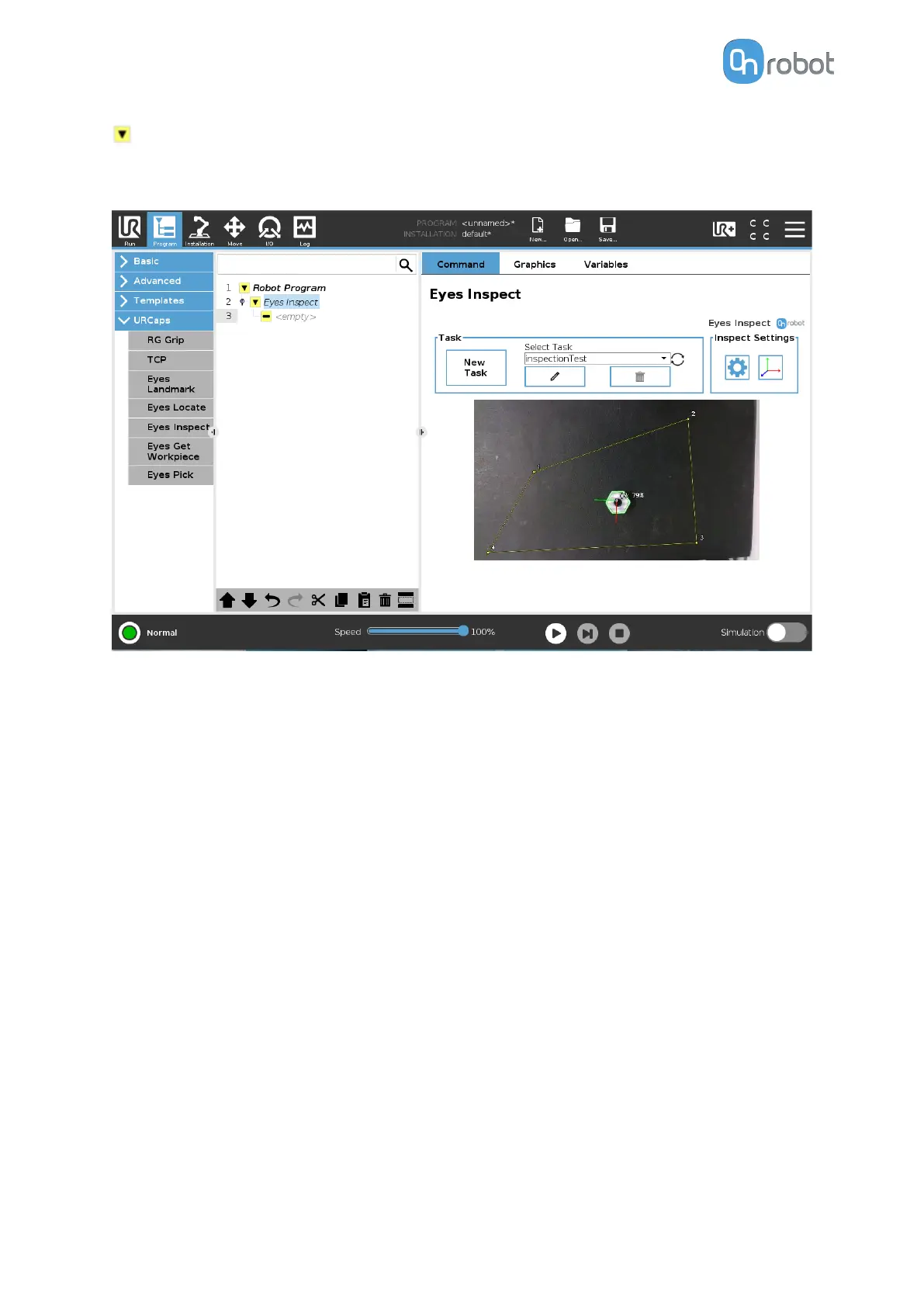
Once a task is selected the drop-down menu will be bordered green, the Eyes Inspect
command will be complete and the Camera feed from the camera will be shown.
Camera feed
Here the live video feed of the Eyes will be shown. Detected workpieces from the selected
task will be shown in the live feed. These workpieces will have 2 numbers. #1 indicates the
workpiece number in the Eyes program and the 99% indicates the Match percentage.
Additionally, on the top left corner, the taught workpiece contour is shown in blue and the
read current workpiece contour is shown in green.
OPERATION
85


 To Next Page