C200 SOFTWARE
Instruction Manual C200 Part2 A1.doc
optek Danulat GmbH • D-45356 Essen • Germany
page 64
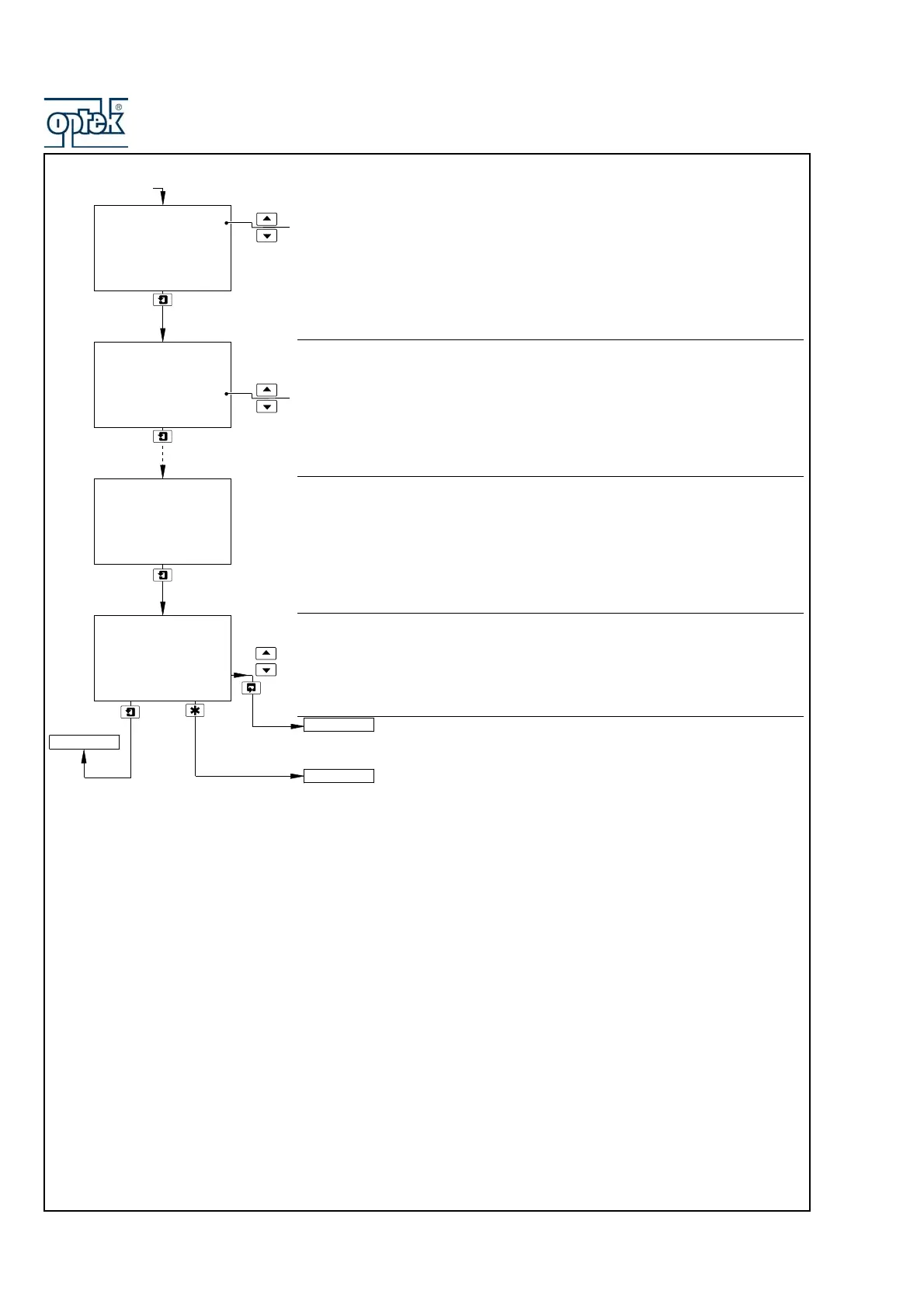
Temperature Value – Point 1
Deg. C (or Deg. F) and Adjust are shown alternately on the upper display line.
Use the and keys to adjust the displayed reading to the required temperature
value for point 1 on the curve.
Ratio Value – Point 1
Ratio and Adjust are shown alternately on the center display line. Use the and
keys to adjust the displayed reading to the required ratio value for point 1 on the
curve.
Temperature and Ratio Values – Points 2 to 6
Enter the temperature and ratio values for the remaining points in the user-
defined temperature compensation curve.
Filter Time
Set the required filter time, between 1 and 60 seconds in 1 second increments.
Sensor B configuration (dual input analyzers only) is identical to
Sensor A configuration.
See Section 5.2.4.
0.0
1.79
A: Enter point 1
Deg.C
Ratio
1.79
A: Enter point 1
Deg.C
User Temp Comp
set to
Yes
0.0
Ratio
125.0
0.30
A: Enter point 6
Deg.C
Ratio
A: Filter Time
10
Secs
Config. Sensor A
CONFIG. ALARMS
Config. Sensor B



 To Next Page