C200 SOFTWARE
Instruction Manual C200 Part2 A1.doc
optek Danulat GmbH • D-45356 Essen • Germany
page 65
Concentration
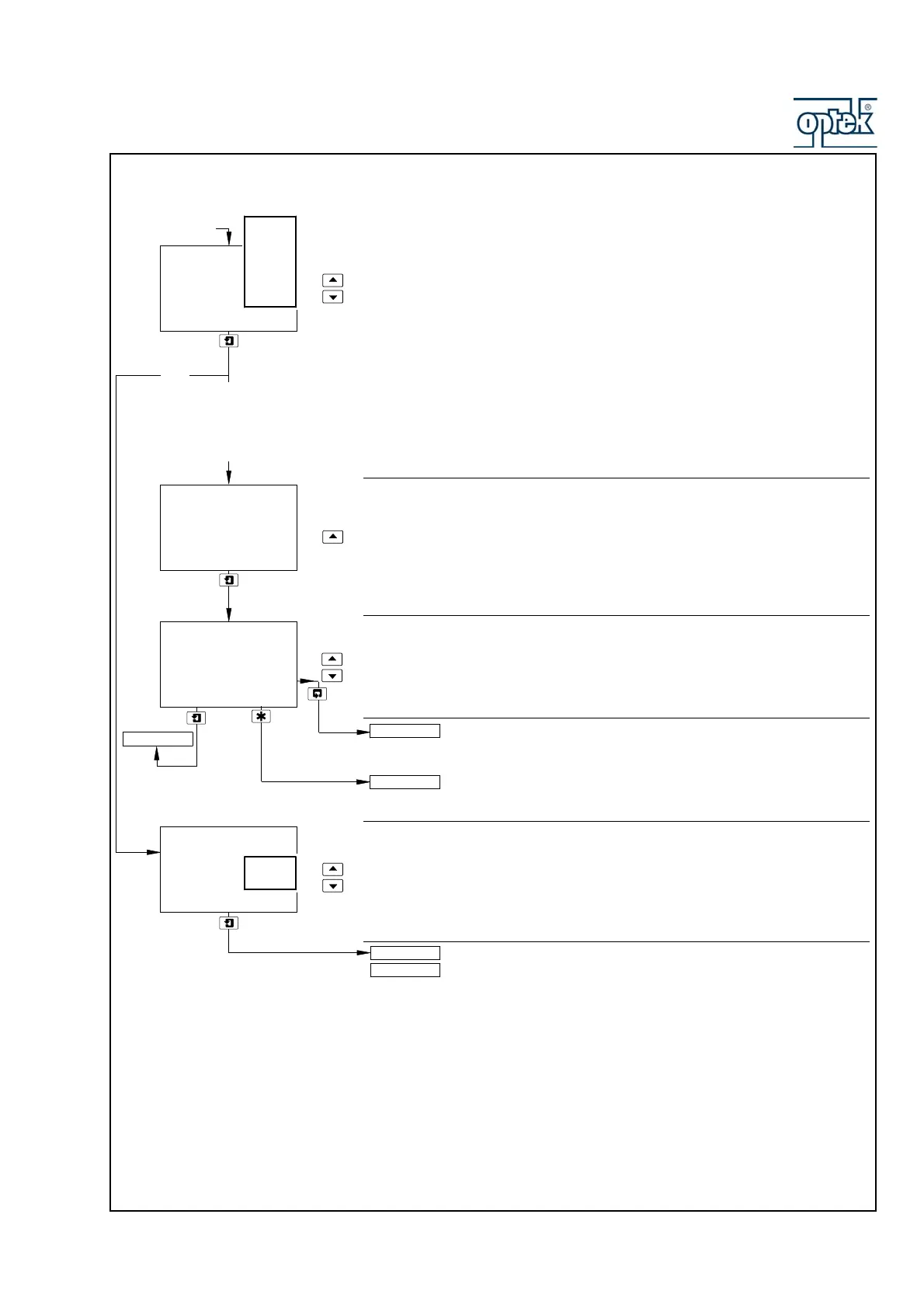
Select the required concentration measurement:
NaOH – minimum 0%; maximum 15%
NaCl – minimum 0%; maximum 20%
HCl – minimum 0%; maximum 18%
H2SO4 – minimum 0%; maximum 20%
H3PO4 – minimum 0%; maximum 40%
User – minimum 0%; maximum 100%
Note. If A: Sensor Group is set to AC400 , reduce the maximum concentration
values to 6% for acids and 8% for alkalis. Exposure to higher concentrations will
reduce both the accuracy and the life of the AC400 sensors.
Decimal Place
Set the position of the decimal point.
Filter Time
Set the required filter time, between 1 and 60 seconds in 1 second increments.
Sensor B configuration (dual input analyzers only) is identical to
Sensor A configuration.
See Section 5.2.4.
Edit Concentration
Select Yes to manually define a 6-point concentration curve, otherwise select
No.
Yes selected – continued on next page.
No selected – continued on page 63.
A: Concentration
-----
User
H3PO4
H2SO4
HCl
NaCl
NaOH
A: Analyser Type
set to
Conc
Concentration
Edit
-----
Yes
No
A: User Units
A: Enter Point 1
A: Decimal Place
19.99
%
User
H3PO4
H2SO4
HCl
NaCl
NaOH
A: Filter Time
10
Secs
Config. Sensor A
CONFIG. ALARMS
Config. Sensor B



 To Next Page