INF-26
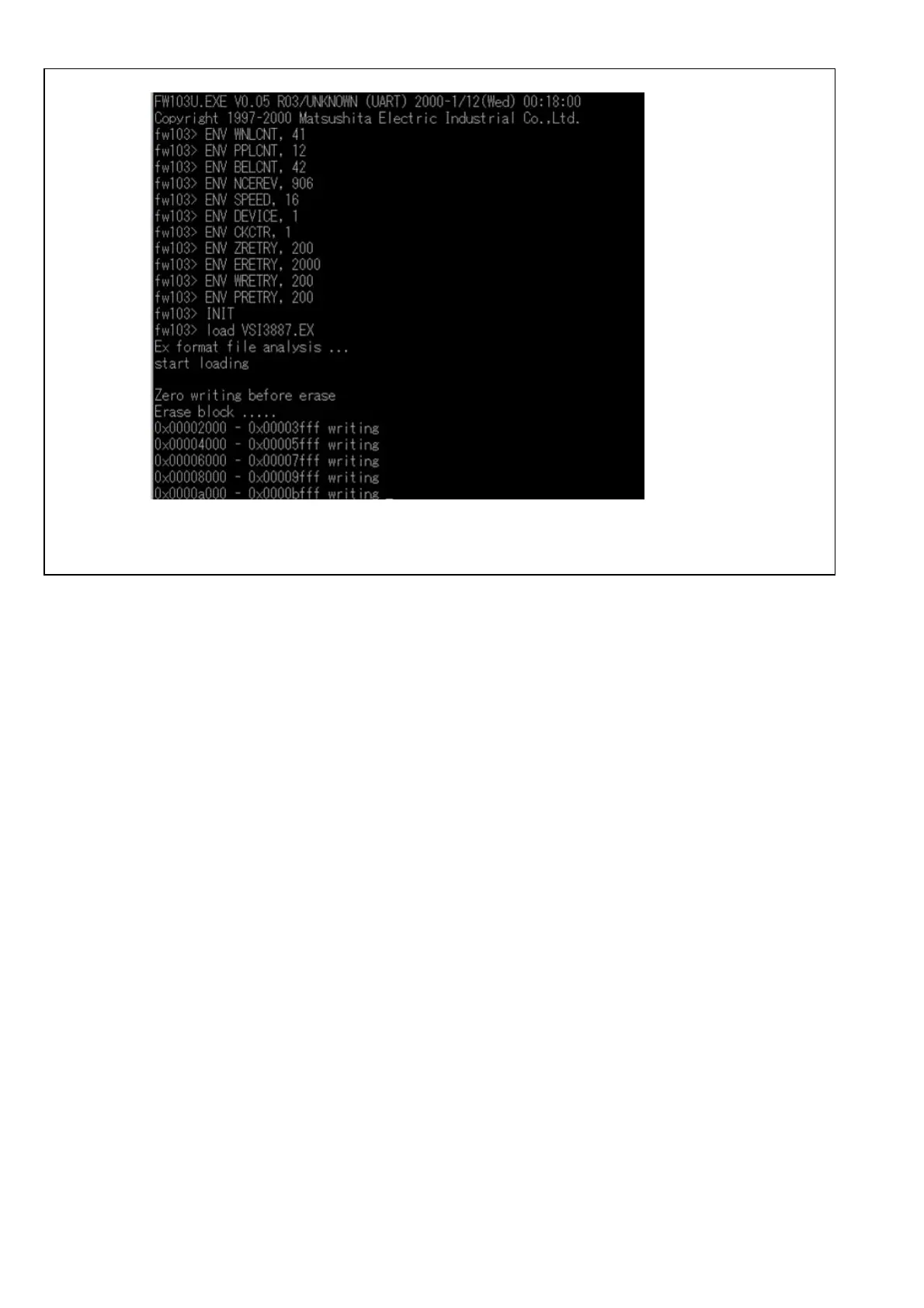
8. Select “Y” and press “Enter”, then the program will start.
Figure 12-2C-5
9. The screen display of MS-DOS changes to Windows screen after the programming complete.
10. Press “Exit” button to end the program.
11. Turn the power of the VTR off and then on. This will reboot the VTR.
12. Confirm that software is updated.














 To Next Page