Hardware description
24 FP Web-Server V2.810 EN
3. Press down the expansion hooks raised in step 2 to secure the unit
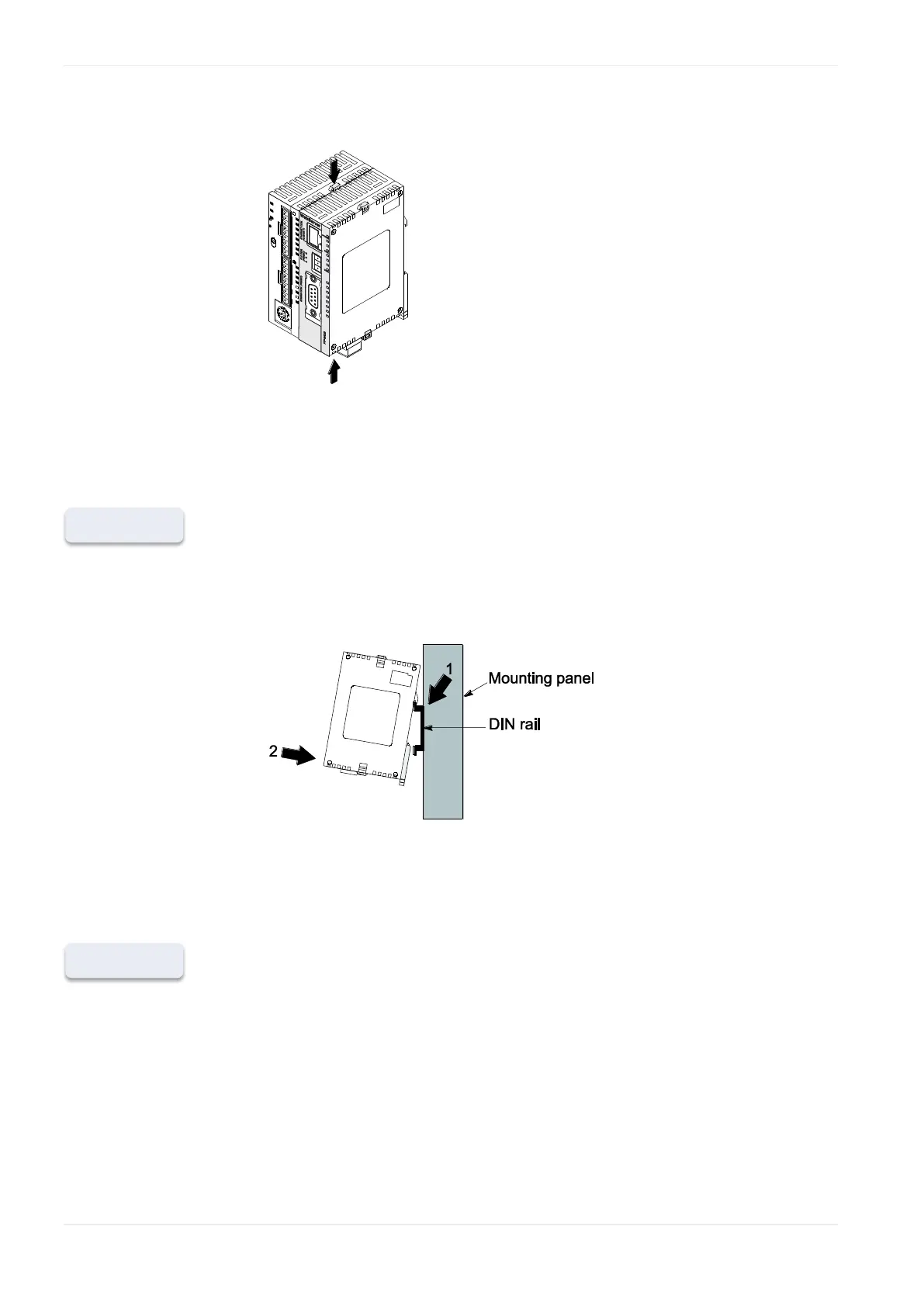
b) Attachment to DIN Rails:
The FP Web-Server unit enables a one-touch attachment to DIN rails.
1. Fit the upper hook of the FP Web-Server onto the DIN rail
2. Without moving the upper hook, press on the lower hook to fit the FP
Web-Server into position
c) Removal from DIN Rail:
You can easily remove the FP Web-Server as described below.
1. Insert a slotted screwdriver into the DIN rail attachment lever
2. Pull the attachment lever downwards












 To Next Page