User’s Manual of GS-5220 LCD Series
312
Buttons
: Click to apply changes
: Click to undo any changes made locally and revert to previously saved values.
4.9.11 QoS Control List
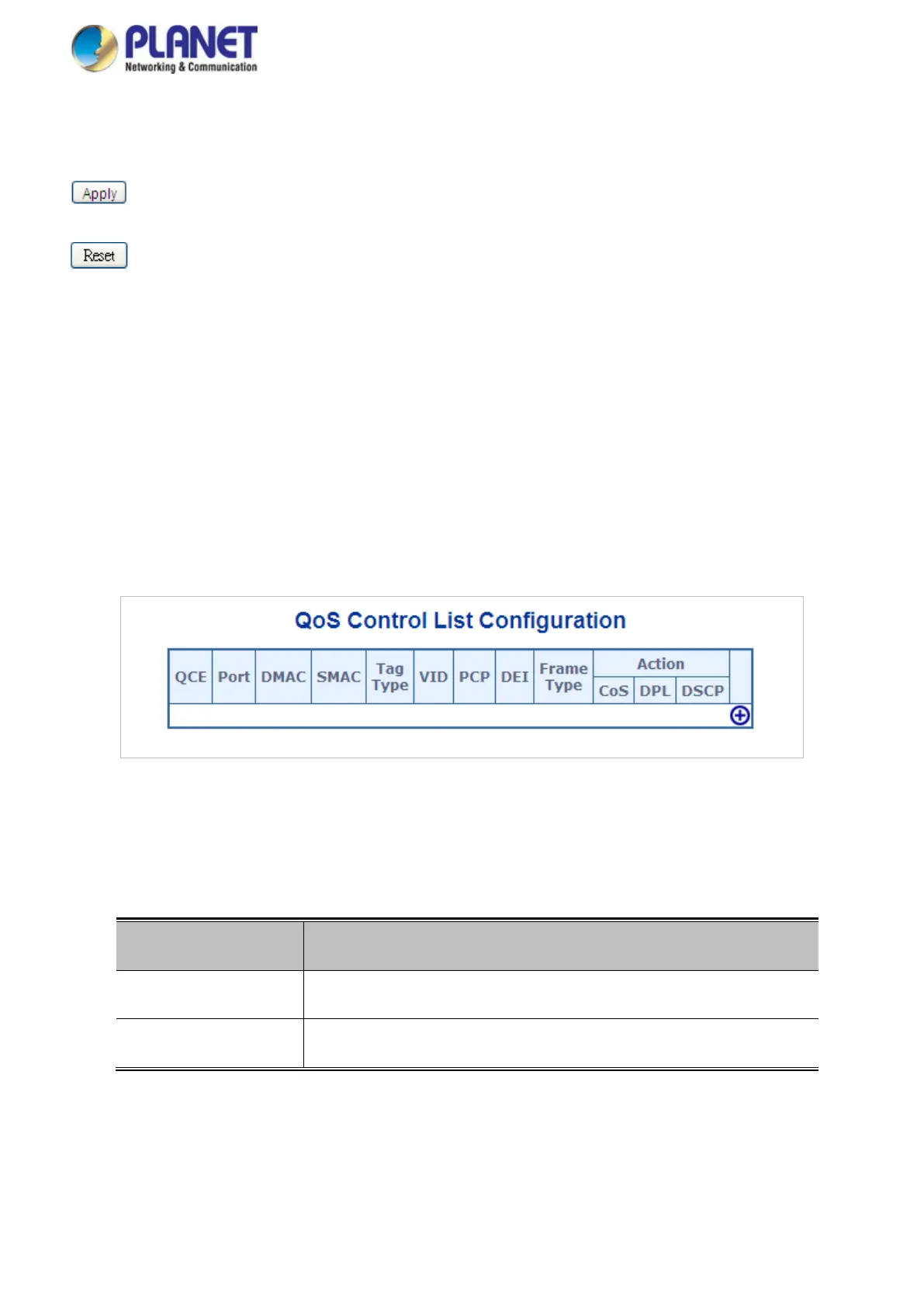
This page shows the QoS Control List(QCL), which is made up of the QCEs. Each row describes a QCE that is
defined. The maximum number of QCEs is 256 on each switch.
Click on the lowest plus sign to add a new QCE to the list. The QoS Control List screen in Figure 4-9-12 appears.
Figure 4-9-12: QoS Control List Configuration Page Screenshot
The page includes the following fields:
Object Description
• QCE#
Indicates the index of QCE.
• Port
Indicates the list of ports configured with the QCE.



 To Next Page
 Loading...









