User’s Manual of GS-5220 LCD Series
96
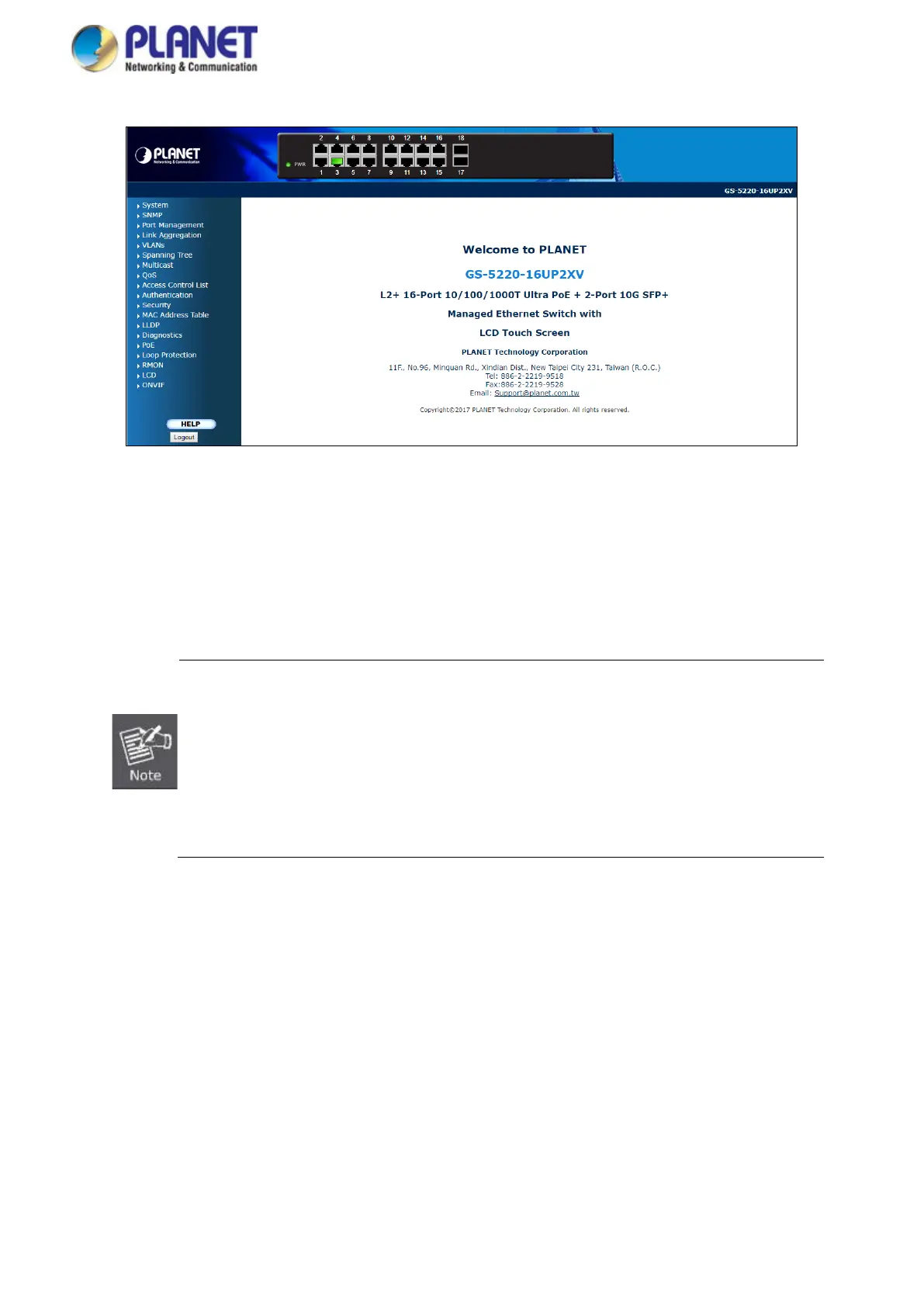
Figure 4-1-3: Web Main Page
Now, you can use the Web management interface to continue the switch management or manage the Managed
Switch by Web interface. The Switch Menu on the left of the web page lets you access all the commands and
statistics the Managed Switch provides.
1. It is recommended to use Internet Explore 7.0 or above to access Managed Switch.
2. The changed IP address takes effect immediately after clicking on the Save button. Y
need to use the new IP address to access the Web interface.
3. For security reason, please change and memorize the new password after this first
setup.
4. Only accept command in lowercase letter under web interface.



 To Next Page
 Loading...









