User’s Manual of IXT-900 PoE series
113
4.3.2.4 Create VLAN
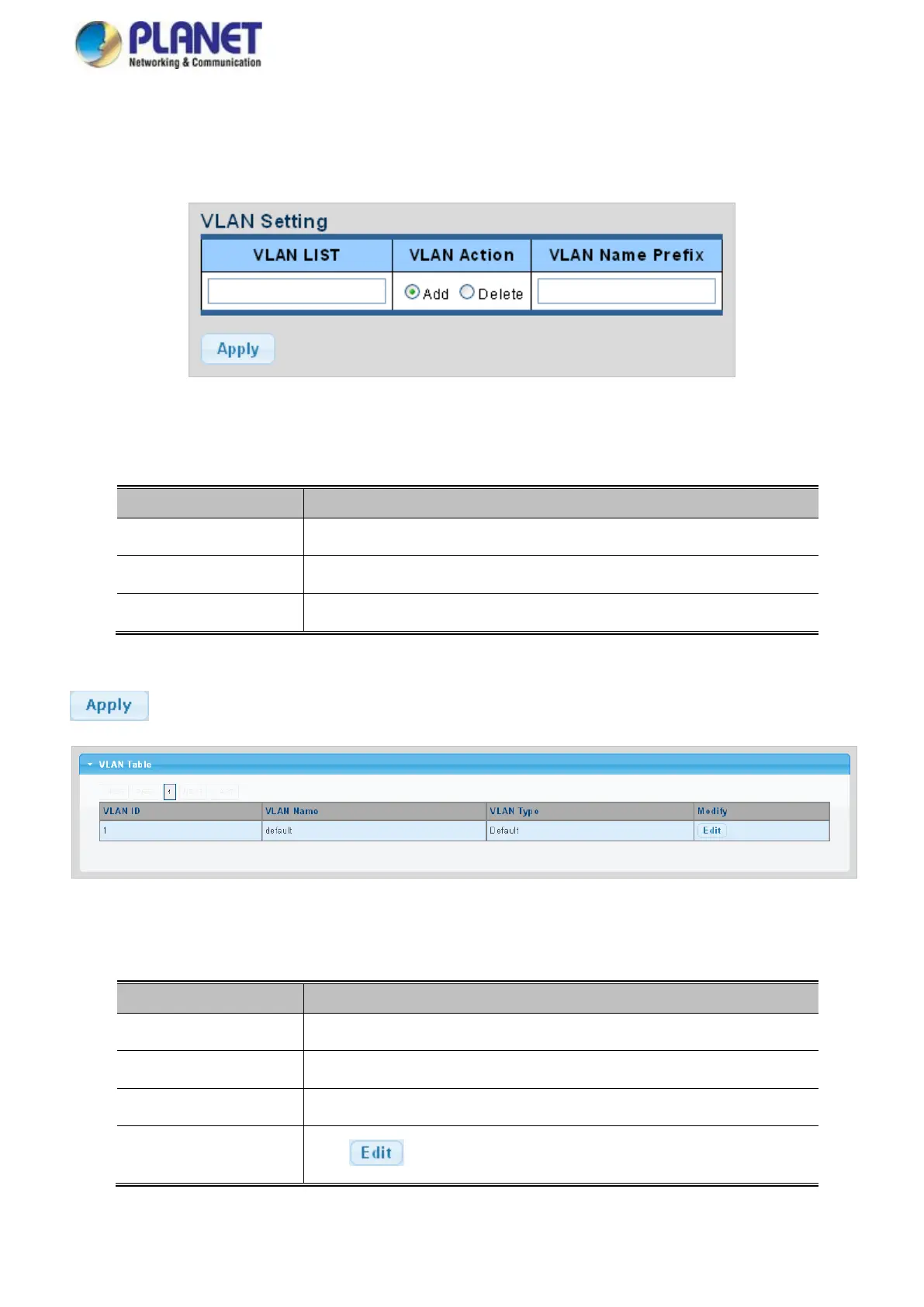
Create/delete VLAN on this page. The screens in Figure 4-3-21 and Figure 4-3-22 appear.
Figure 4-3-21 VLAN Setting Screenshot
The page includes the following fields:
Indicates the ID of this particular VLAN.
This column allows users to add or delete VLAN s.
Indicates the name of this particular VLAN.
Buttons
: Click to apply changes.
Figure 4-3-22 VLAN Table Screenshot
The page includes the following fields:
Display the current VLAN ID entry
Display the current VLAN ID name
Display the current VLAN ID type
Click to modify VLAN configuration



 To Next Page