User’s Manual of IXT-900 PoE series
35
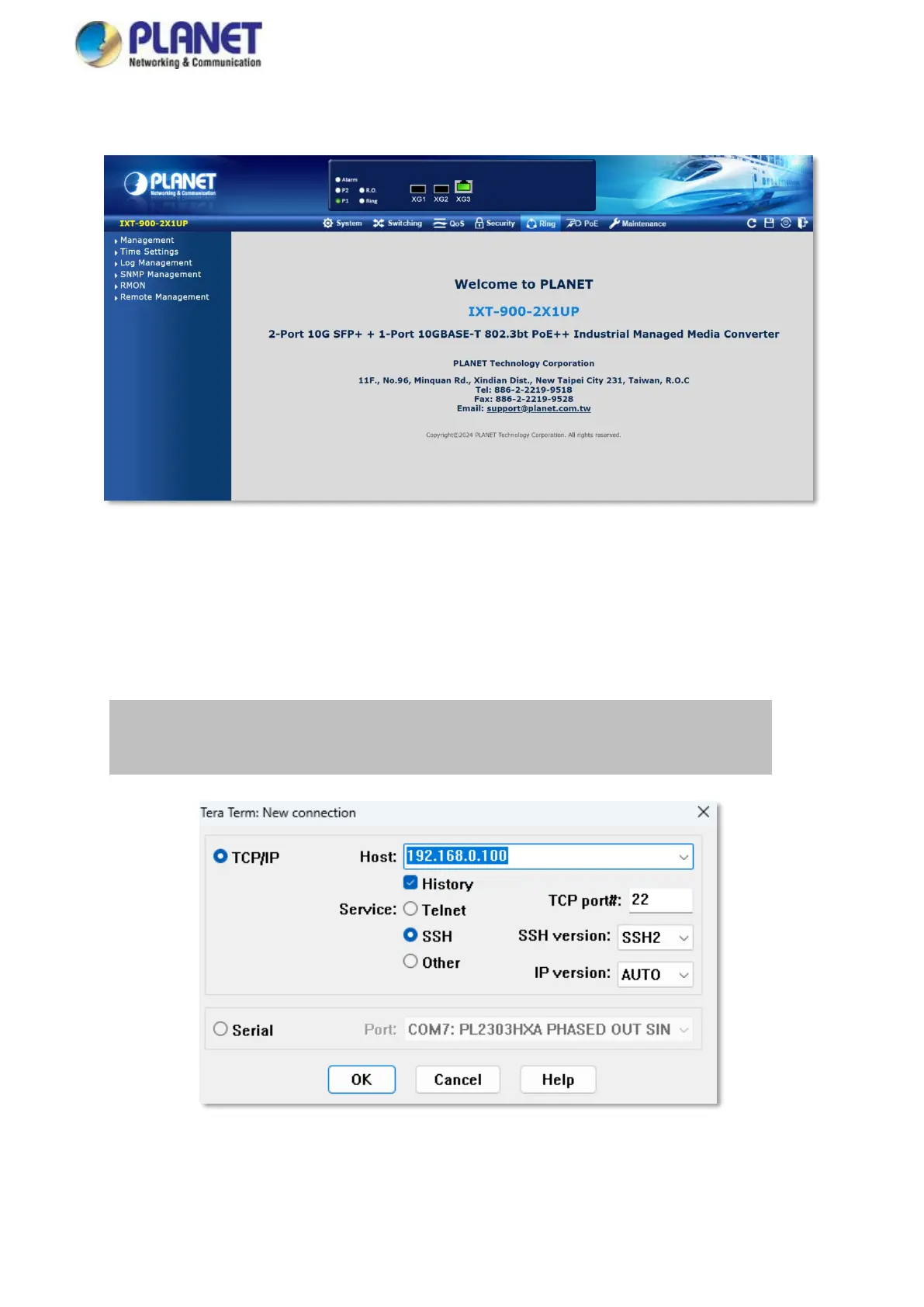
5. Upon successful password update, re-access the web interface using your new credentials. You will then see the main
screen as illustrated in Figure 3-3.
Figure 3-3: Web Main Screen of Industrial Managed PoE Media Converter
3.4 Administration SSH Command Line
The Industrial 10G Managed Media Converter also supports SSHv2 for secure remote management. The media converter asks
for user name and password for remote login when using telnet; please use “admin” for both username and password.
Default IP address: 192.168.0.100
Username: admin
Password: use the new password created upon initial login
Figure 3-4: SSH Login Screen
The user can now enter commands to manage the Industrial 10G Managed Media Converter. For a detailed description of the
commands, please refer to the following chapters.



 To Next Page