User’s Manual of IXT-900 PoE series
52
4.2.1.4 User Configuration
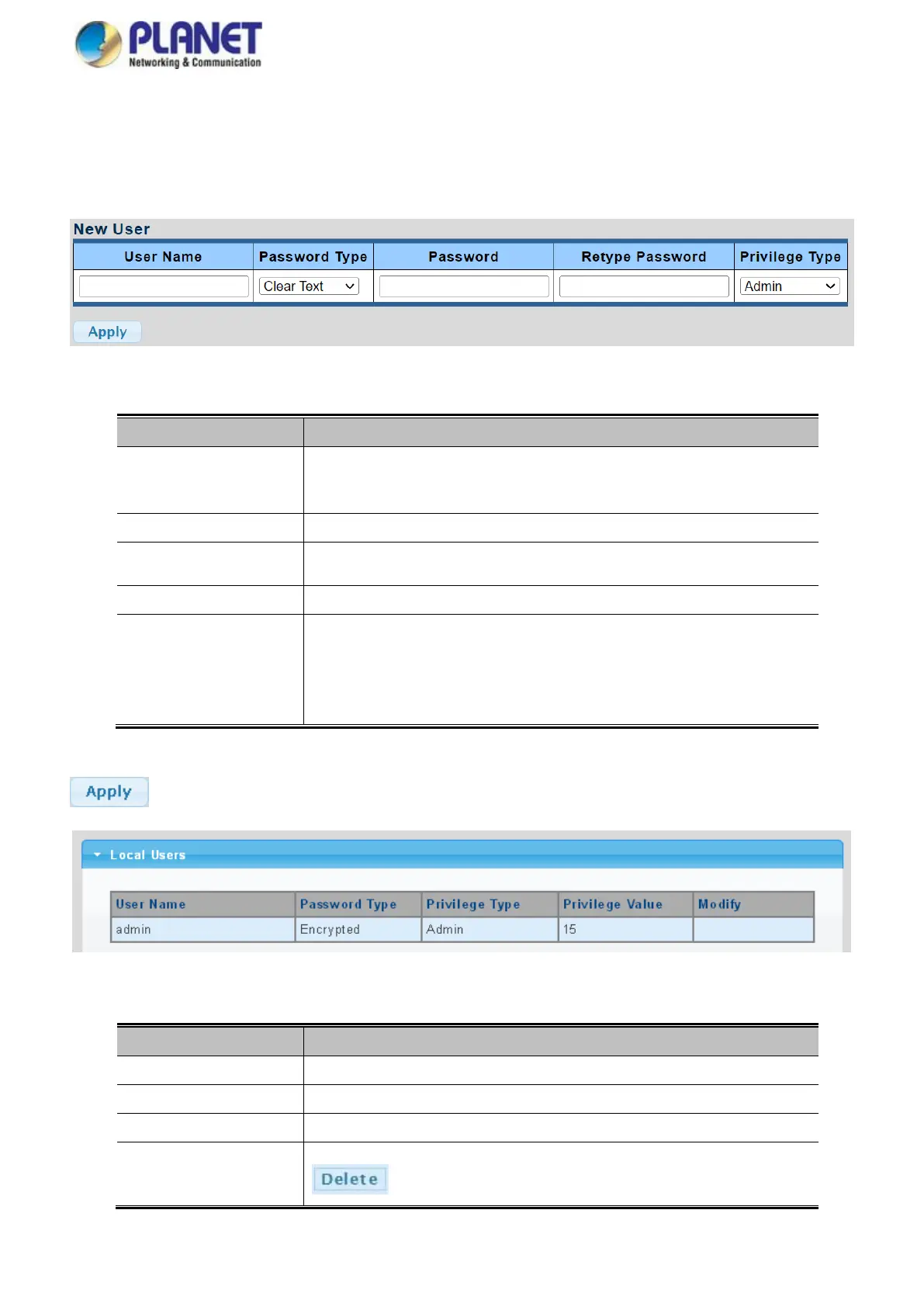
This page provides an overview of the current users and privilege type. Currently the only way to login as another user on the
Web server is to close and reopen the browser. After the setup is completed, please press “Apply” button to take effect. Please
login Web interface with a new user name and password; the screens are shown in Figure 4-2-6 and Figure 4-2-7.
Figure 4-2-6 Local User Information Screenshot
The page includes the following fields:
The name identifying the user.
Maximum length: 32 characters;
Maximum number of users: 8
The password type for the user.
Enter the user’s new password here.
(Range: 0-32 characters plain text, case sensitive)
Please enter the user’s new password here again to confirm.
The privilege type for the user.
Options:
Admin
User
Other
Buttons
: Click to apply changes.
Figure 4-2-7 Local User Screenshot
333 The page includes the following fields:
Display the current username
Display the current password type
Display the current privilege type
Click to modify the local user entry
: Delete the current user



 To Next Page