User’s Manual of IXT-900 PoE series
43
Main Menu
By using the onboard Web agent, you can define system parameters, manage and control the Managed Media Converter, and
all its ports, or monitor network conditions. Via the Web-Management, the administrator can set up the Managed Media
Converter by selecting the functions those listed in the Main Function. The screen in Figure 4-1-5 appears.
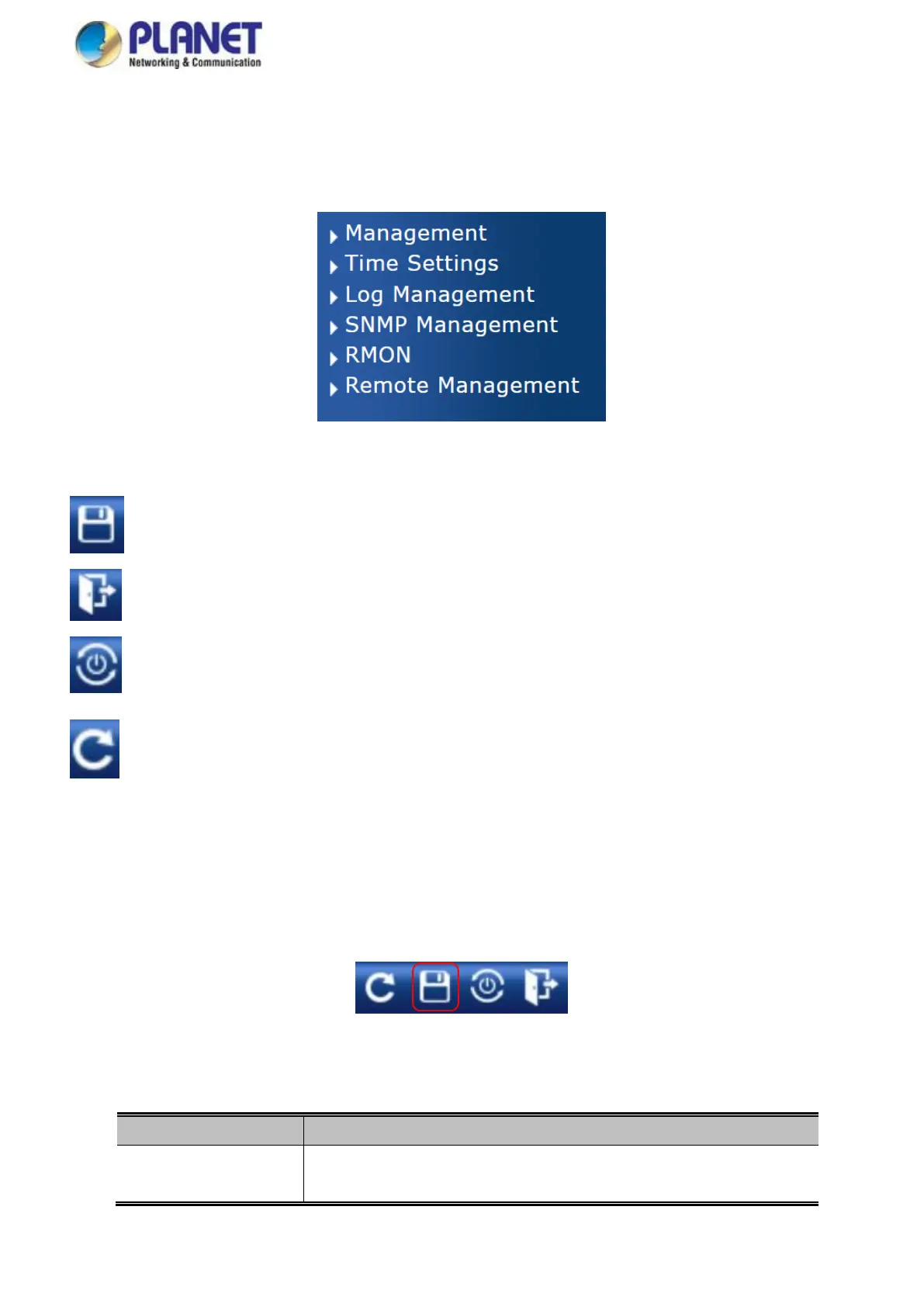
Figure 4-1-5 Managed Media Converter Main Functions Menu
Buttons
: Click to save changes or reset to default.
: Click to logout the Managed Media Converter.
: Click to reboot the Managed Media Converter.
: Click to refresh the page.
4.1.1 Save Button
This save button allows you to save the running/startup/backup configuration or reset media converter in default parameter. The
screen in Figure 4-1-6 appears.
Figure 4-1-6 Save Button Screenshot
The page includes the following fields:



 To Next Page