User’s Manual of IXT-900 PoE series
60
4.2.3.3 Remote Syslog
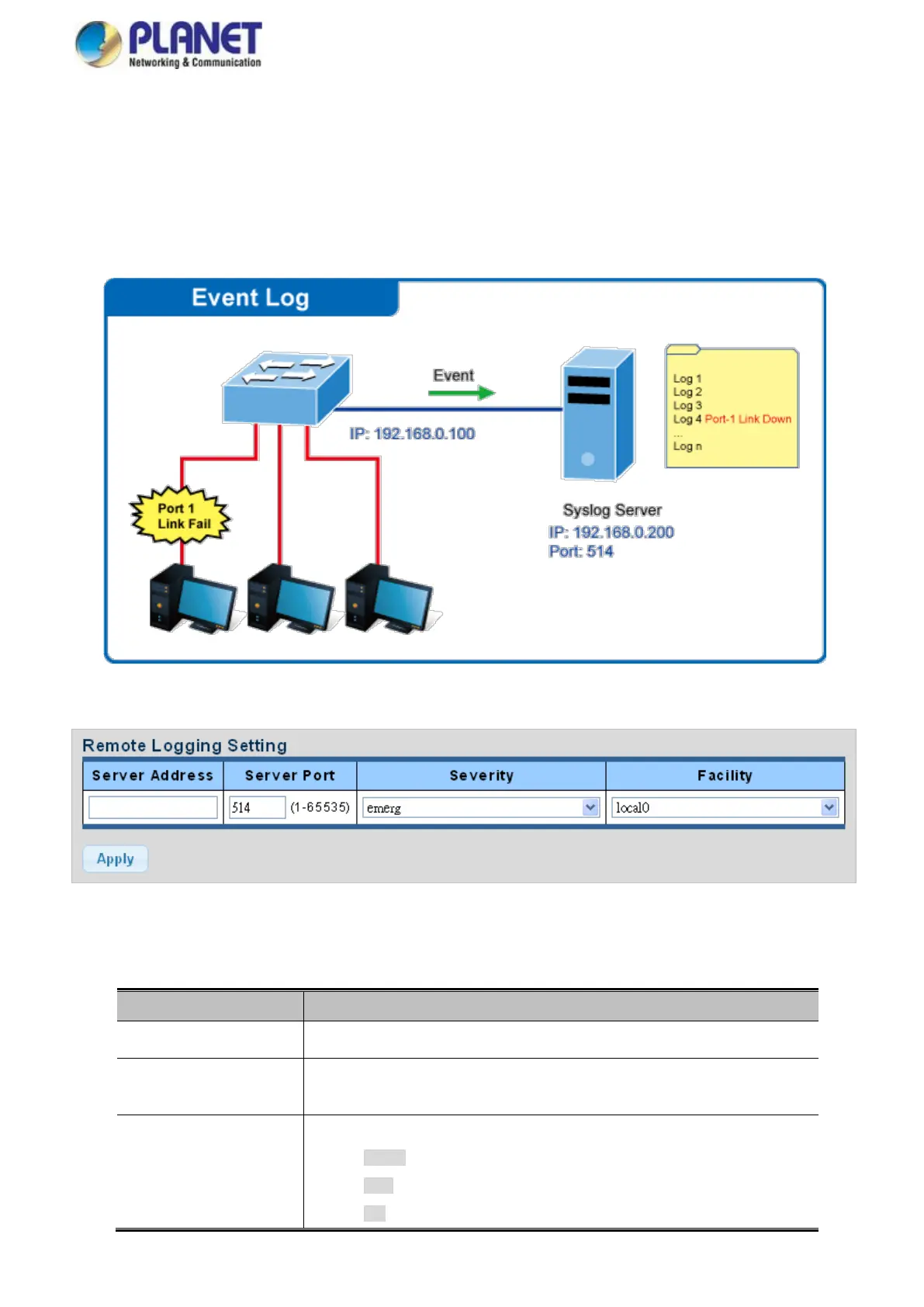
Configure remote syslog on this page. The Remote Syslog page allows you to configure the logging of messages that are sent
to syslog servers or other management stations. You can also limit the event messages sent to only those messages below a
specified level.
The Remote Syslog screens in Figure 4-2-16 and Figure 4-2-17 appear.
Figure 4-2-16 Remote Log Target Screenshot
The page includes the following fields:
The severity of the local log entry. The following severity types are supported:
emerg: Emergency level of the system unstable for local log.
alert: Alert level of the immediate action needed for local log.
crit: Critical level of the critical conditions for local log.



 To Next Page