User’s Manual of IXT-900 PoE series
23
2.1.3 LED Indications
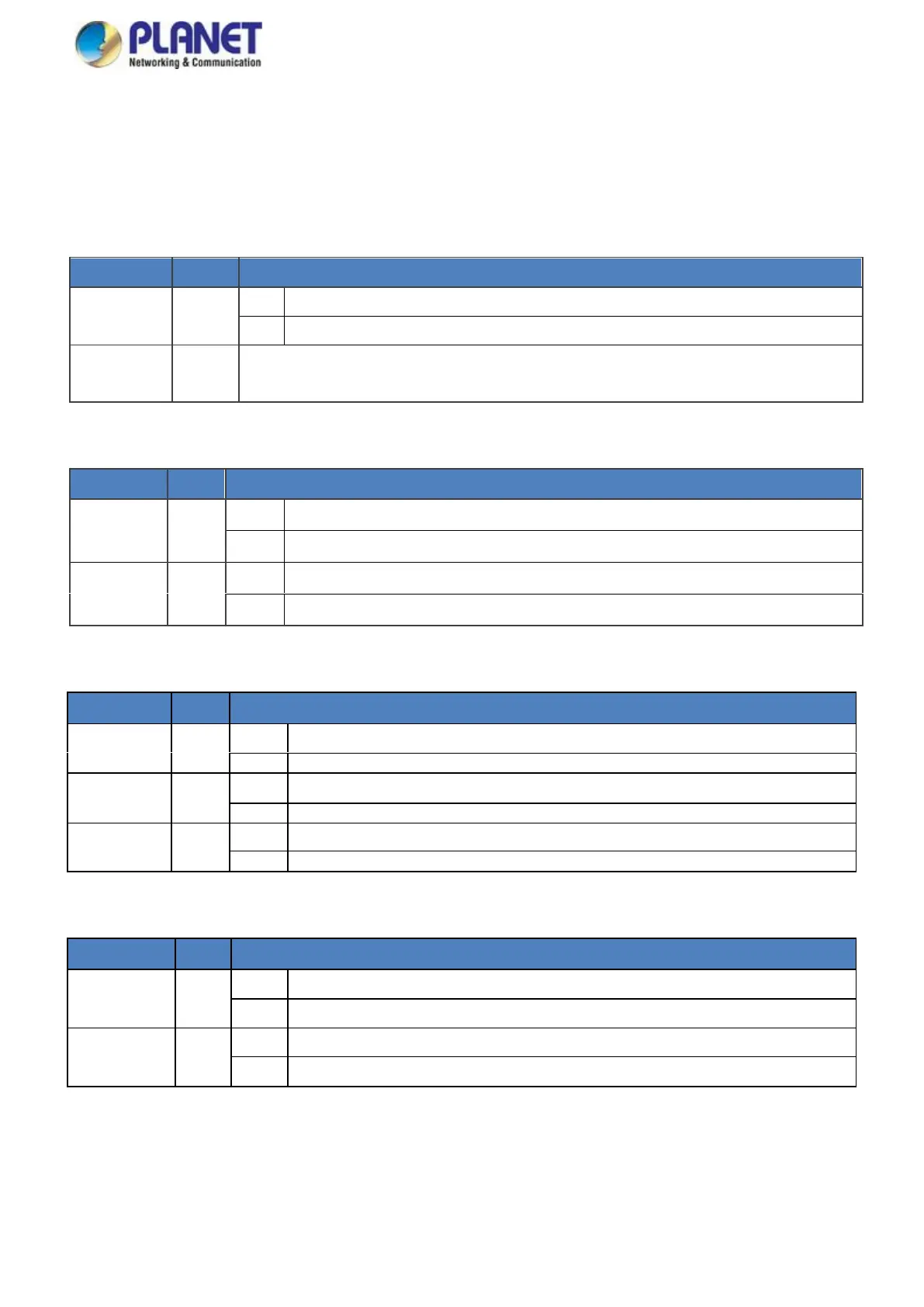
LED Definition:
System and Power
Illuminates red when a critical system fault is detected, such as a port failure or power supply issue.
Attention is required to diagnose and resolve the problem.
PoE is active and providing power with the 802.3bt standard.
PoE is active and providing power with the 802.3at standard.
Per 10GBASE-T RJ45 Interface
To indicate the link through TP port is successfully established at 1Gbps or 100Mbps.
To indicate that the switch is actively sending or receiving data over that port.
To indicate the link through TP port is successfully established at 10Gbps.
To indicate that the switch is actively sending or receiving data over that port.
To indicate that the port is operating at 5Gbps or 2.5Gbps.
To indicate that the switch is actively sending or receiving data over that port.
Per 10GBASE-X SFP+ Interface
To indicate the port is running at 1G/2.5Gbps and successfully established.
To indicate that the Switch is actively sending or receiving data over that port.
To indicate the port is running at 10Gbps and successfully established.
To indicate that the switch is actively sending or receiving data over that port.



 To Next Page