User’s Manual of IXT-900 PoE series
91
Half - Force sets Half-Duplex mode.
When Auto Speed is selected for a port, this section indicates the flow control
capability that is advertised to the link partner. When a fixed-speed setting is
selected, that is what is used. Current Rx column indicates whether pause
frames on the port are obeyed. Current Tx column indicates whether pause
frames on the port are transmitted. The Rx and Tx settings are determined by the
result of the last Auto-Negotiation. Check the configured column to use flow
control. This setting is related to the setting for Configured Link Speed.
Buttons
: Click to apply changes.
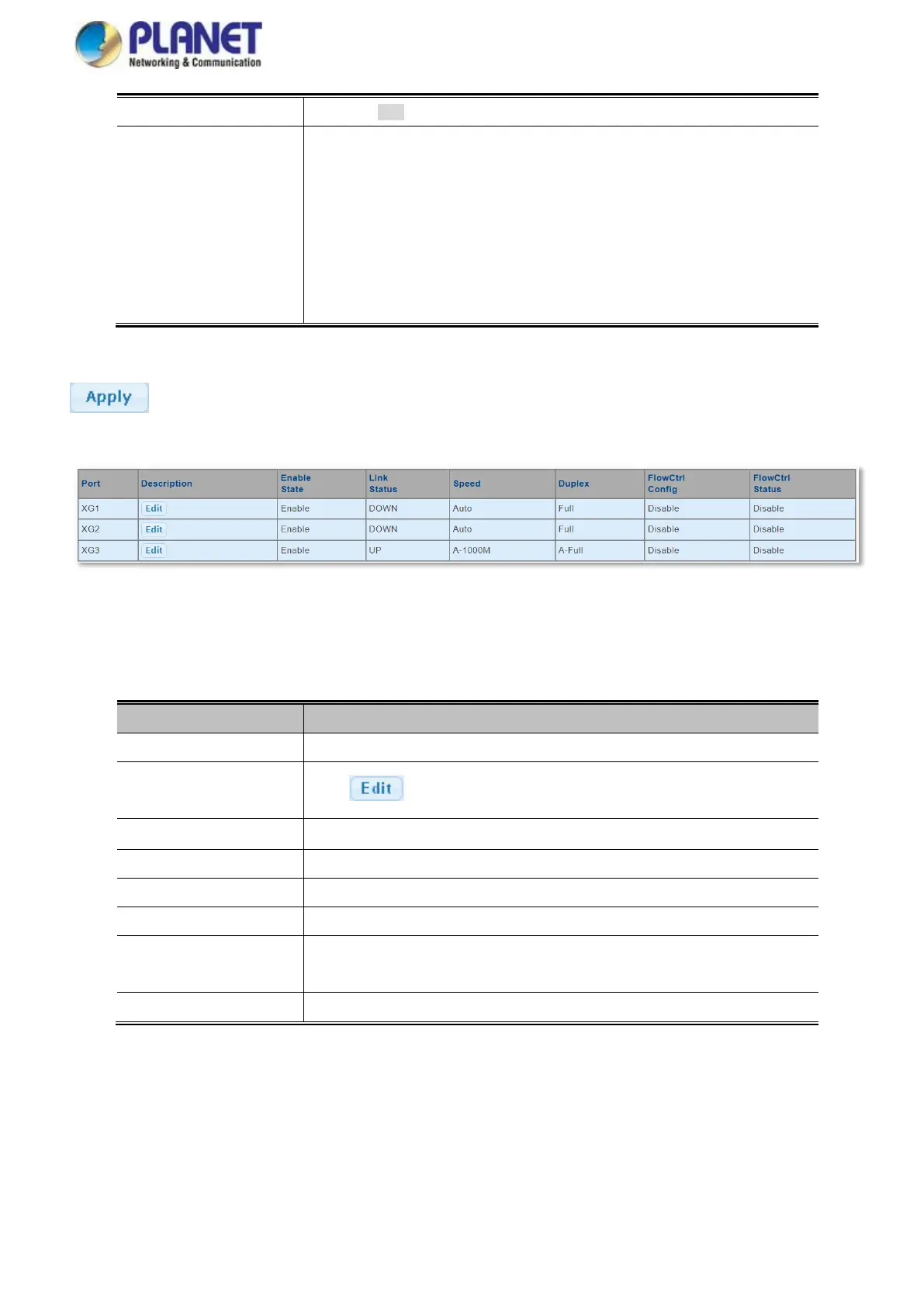
Figure 4-3-2 Port Status Screenshot
The page includes the following fields:
This is the logical port number for this row
Click to indicate the port name
Display the current port state
Display the current link status
Display the current speed status of the port
Display the current duplex status of the port
Flow Control
Configuration
Display the current flow control configuration of the port
Display the current flow control status of the port



 To Next Page