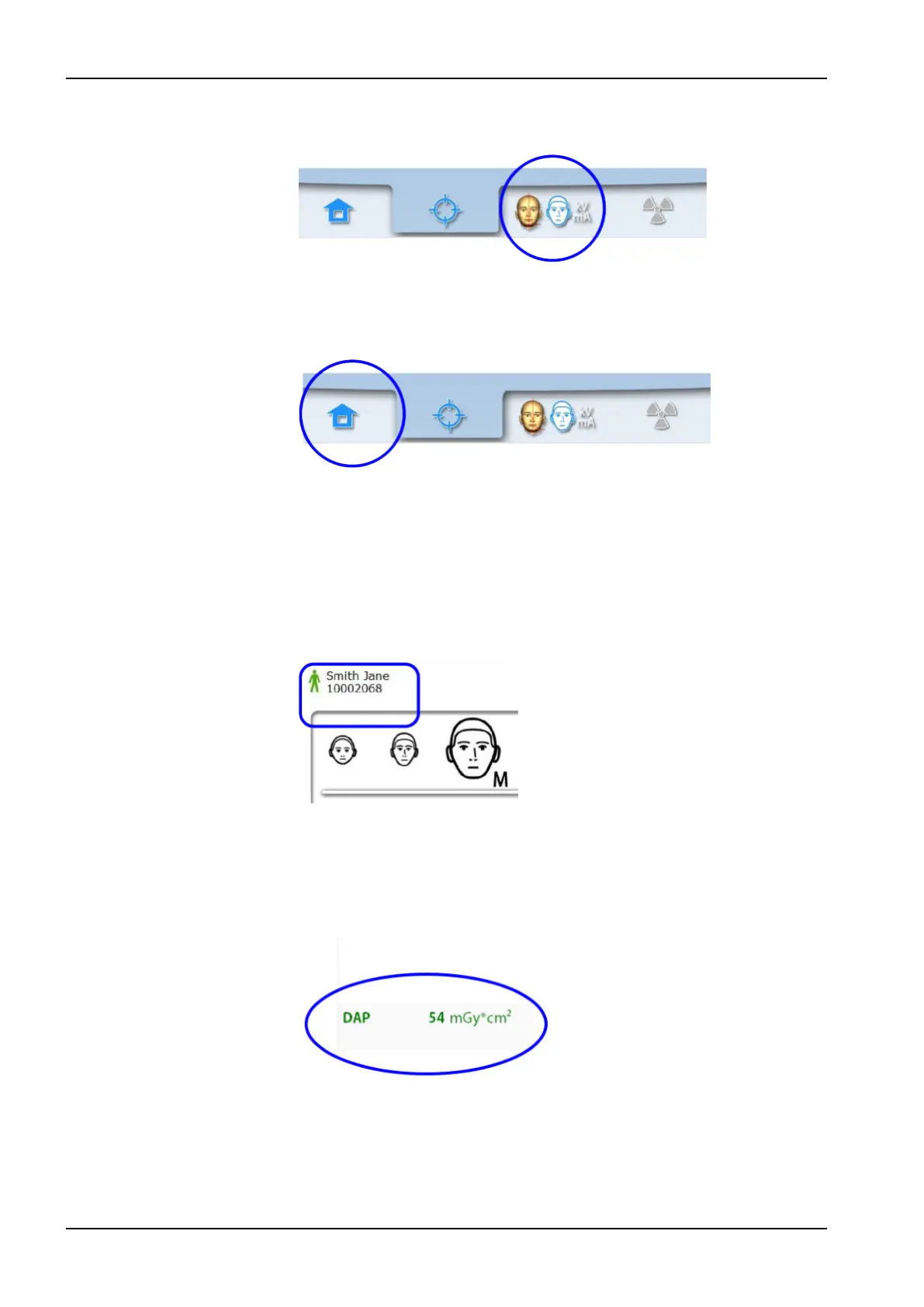
To go to the next screen, select either the forward button, or the next symbol
at the bottom of the screen.
Moving backward
To go back to a previous screen, select a previous symbol at the bottom of
the screen.
Scrolling lists
To scroll a list down or up, slide your finger on the touch screen.
Checking patient’s name and ID number
The patient’s name and ID number are shown in the top right corner of the
touch screen. The patient and exposure mode have to be selected in
Planmeca Romexis.
Checking DAP and CTDI values
The estimated values for DAP (Dose Area Product) and CTDI (Computed
Tomography Dose Index) are shown with black text on the touch screen
before you take an exposure. The actual values are shown with green text
after the exposure.
3 Main parts
16 Planmeca ProMax User's manual














 To Next Page