MOVE_BA_V1.0EN - 110
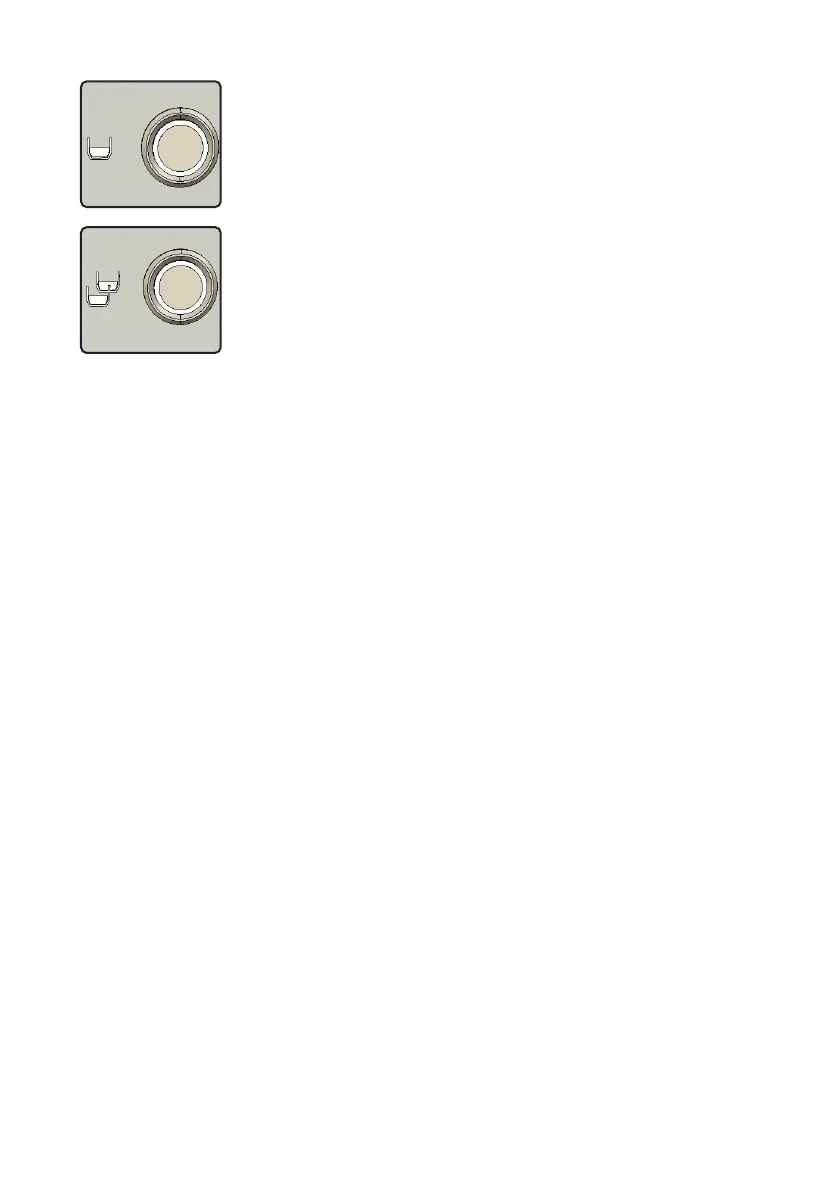
Top pull button
• Conrm selection
Bottom pull button
• Leave current menu display
10.2.1 Opening the main menu
1. Press and hold the left-hand and right-hand display button for
3seconds.
9 The main menu opens and the “Brew Temperature” icon appears on the
display.
10.2.2 Selecting and opening submenus
1. In the main menu, repeatedly press the left-hand or right-hand display
button until the desired submenu is displayed.
2. Press the top pull button.
9 The selected submenu opens and the corresponding submenu settings
are shown on the display.
10.2.3 Changing and conrming settings
1. In the submenu, repeatedly press the left-hand or right-hand display
button until the desired setting is displayed.
2. Press the top pull button.
¾ The selected setting is adopted.
3. Press the bottom pull button.
9 The current menu display is closed and the display returns to the higher
menu level.
10.3 Basic menu settings
To open menus and change settings, follow the instructions in the Chapter
10.2, “Navigation in the menu”.
10.3.1 Brew Temperature
By default, the brew temperature is set at 92°C. You can change the
temperature as follows:



 To Next Page