MOVE_BA_V1.0EN - 116
10.3.9 Reset Reminder
The machine supports two reminder functions:
• Cleaning Reminder: Reminder for the next brew group clean (see
Chapter 10.3.8, “Cleaning Reminder”)
• Filter Reminder: Reminder for the next water lter replacement (see
Chapter 10.4.1, “Filter Reminder”)
After cleaning the brew group or changing the water lter, these reminder
functions must be reset as follows:
1. Open the main menu.
2. Select and open the “Reset Reminder” submenu.
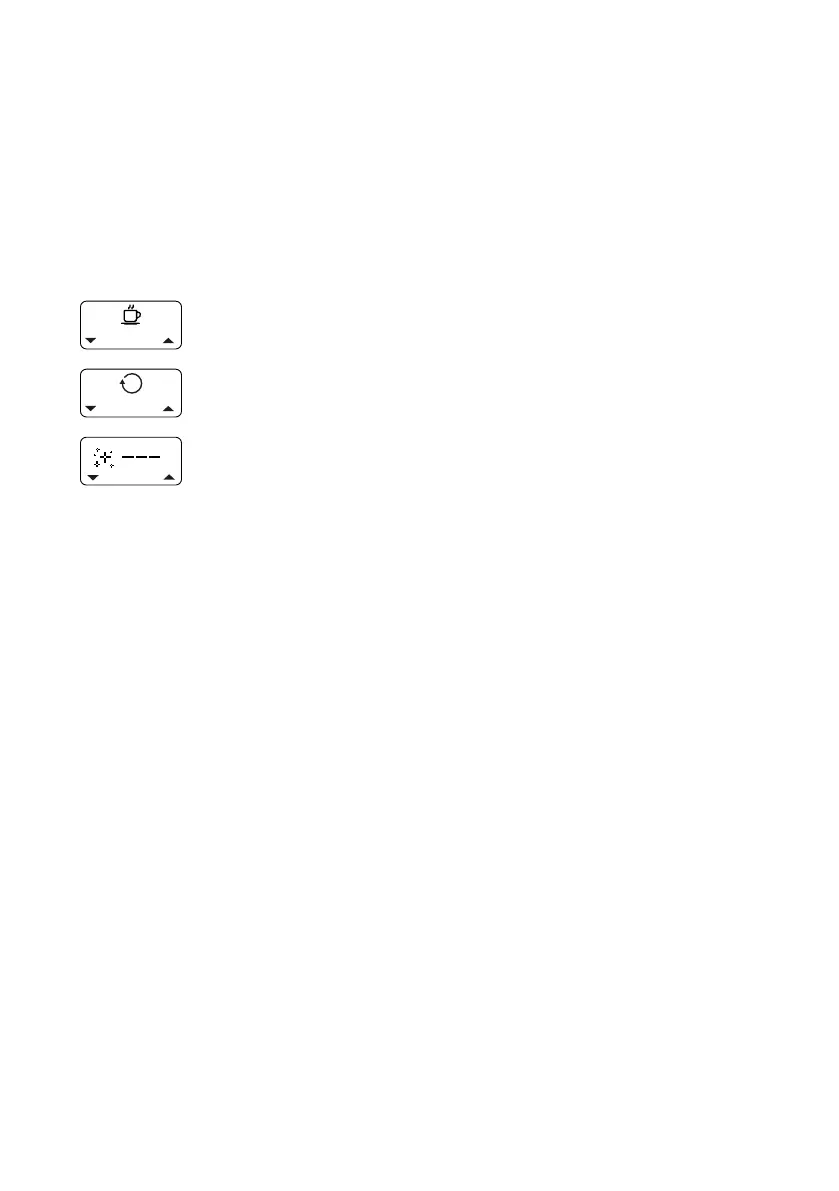
3. Select the “Cleaning Reminder” or “Filter Reminder”
setting using the left-hand or right-hand display button.
4. Press the top pull button to conrm the selection.
9 If “---” appears on the display, the selected reminder
setting has been successfully reset.
5. Release the button.



 To Next Page