EN - 85MOVE_BA_V1.0
5.2.2 Display buttons
The following functions are performed using the two display buttons (1, Fig.2):
• Open the main menu (see Chapter 10.2.1, “Opening the main menu”)
• Select submenus (see Chapter 10.2.2, “Selecting and opening
submenus”)
• Change settings or values in the submenus (see Chapter 10.2.3,
“Changing and conrming settings”)
• Shortcut functions (see Chapter 9.3, “Shortcut functions”) while the
machine is operational.
5.2.3 Pull buttons
The following functions are performed using the pull buttons (4, 6, Fig.2):
• Start pulling process
• Program pull time (see Chapter “10.3.6 Brew settings - setting via pull
buttons”)
• Activate or deactivate pre-infusion (see Chapter “10.3.6 Brew settings -
setting via pull buttons”)
• Conrm settings in the menu or exit the menu (see Chapter “10.2
Navigation in the menu”)
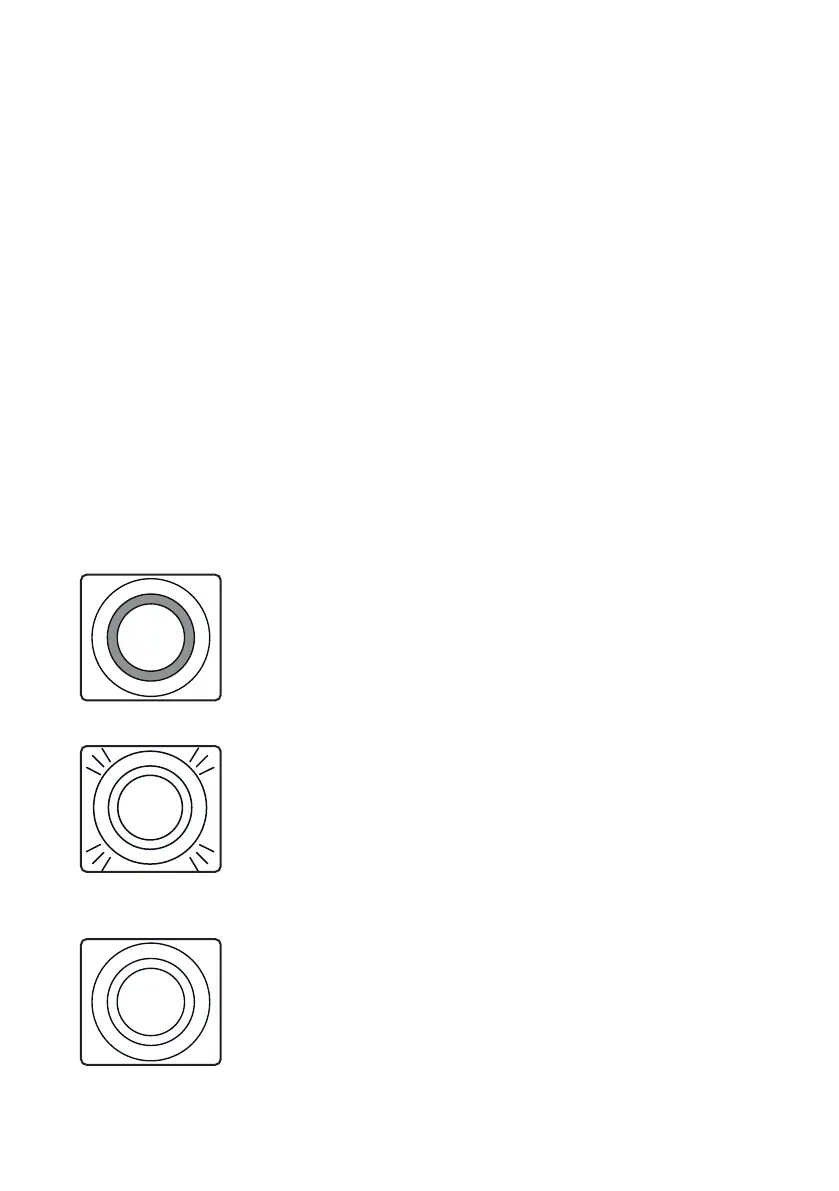
Off
• The machine is switched off.
• ECO mode is activated; the LED ring of the on/off
button lights up and the display is switched off.
• Automatic cleaning was activated; the LED ring
of the on/off button lights up and the display is
switched on.
Flashing
• The button used to start the pulling process ashes
during the process.
• Both buttons ash slowly within the menu (except
for “Brew Settings”).
• The two pull buttons ash quickly and the water
tank icon appears on the display when the water
tank is empty or has not been installed correctly.
On
• When the machine is switched on and ready to use,
both buttons are constantly lit.
• When setting the brew parameters, the pull button
for which the brew parameters are programmed
lights up.



 To Next Page