MOVE_BA_V1.0EN - 114
4. Press the top pull button.
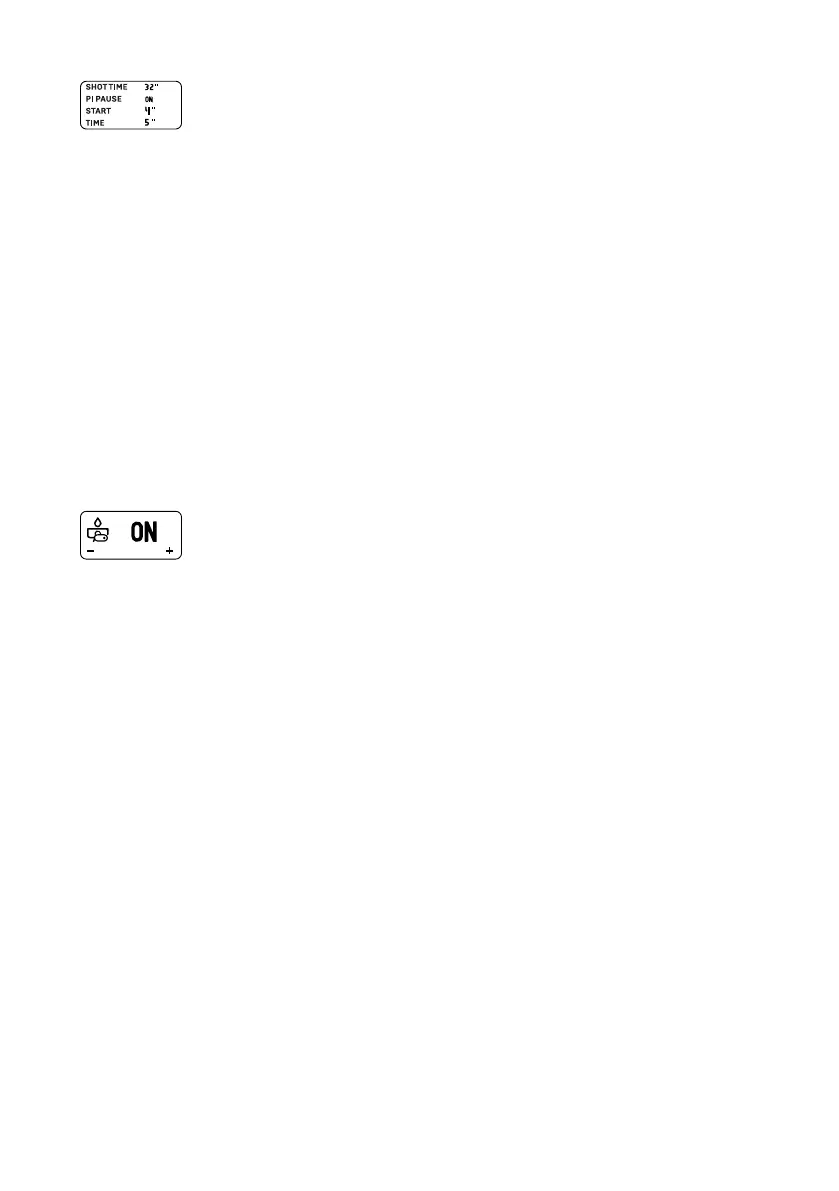
¾ The setting for the option “Shot Time” ashes.
5. Set and conrm the desired total duration for the pulling
process.
6. Program the remaining settings in the same way.
10.3.6 Brew settings - setting via pull buttons
As an alternative to setting via the menu, the brew parameters can also be
set directly by pressing the desired pull button.
Preparatory steps
1. Make sure that the water tank is lled with water.
2. The pulling process begins when the settings are made. It is therefore
recommended to ll the portalter with ground coffee and clamp it in
the machine.
Activating or deactivating pre-infusion
1. Press and hold the desired pull button for 4seconds.
9 The LED of the pull button ashes and “ON” (pre-
infusion activated for this button) or “OFF” (pre-infusion
deactivated for this button) appears on the display
depending on the current setting.
Setting the pull time with activated pre-infusion
After pre-infusion has been activated for the desired pull button (“ON”):
1. Briey press the same pull button.
¾ The LED of the pull button ashes and the timer that programs the
duration from the start of pre-infusion starts on the display.
2. After the desired time has elapsed, press the pull button again.
¾ The icon “---” for passive pre-infusion appears on the display.
3. After the desired pre-infusion time has elapsed, press the pull button a
third time.
¾ The LED of the button ashes and the timer for the pull time resumes
on the display.
4. After the desired time has elapsed, press the pull button for a nal time.
9 The pull button is now programmed with the desired pull time.



 To Next Page