EN - 105MOVE_BA_V1.0
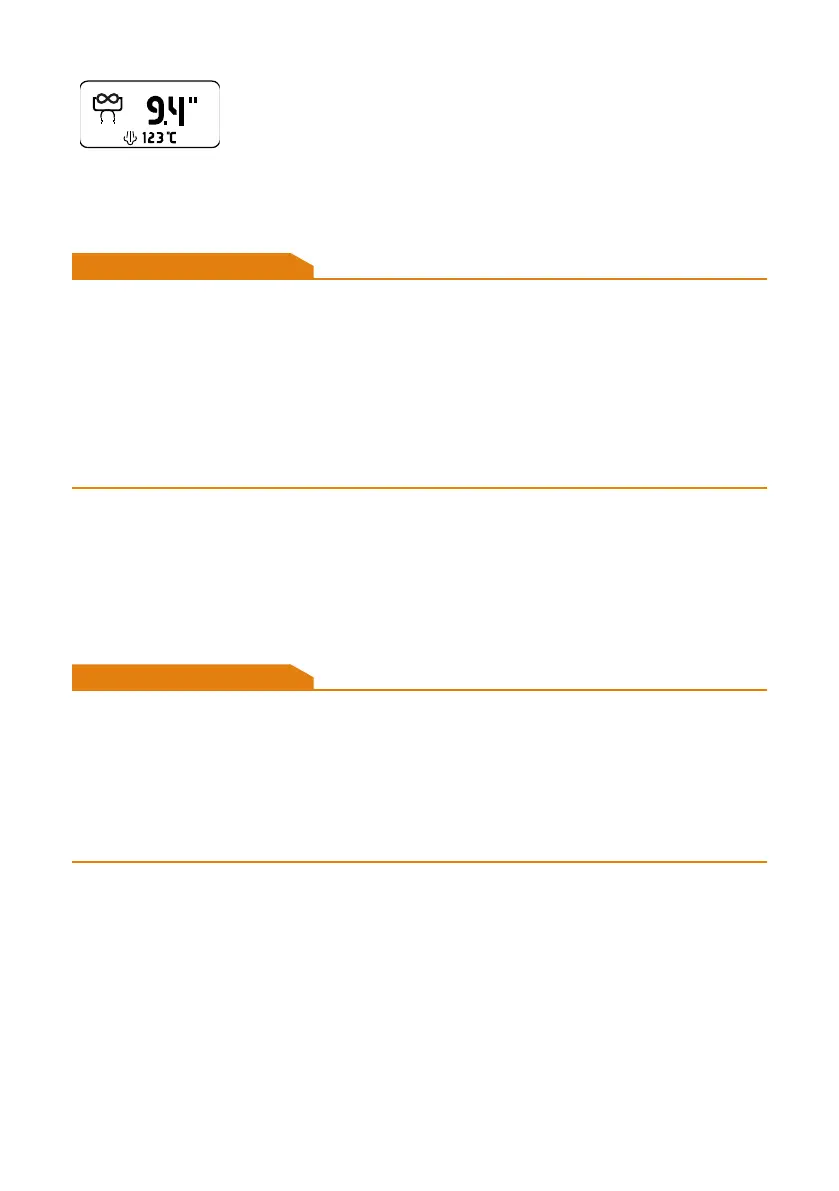
Manual pulling icon
Appears if the automatic pulling is manually extended.
9.10 Removing the portalter from the brew group
WARNING
Risk of injury due to hot surfaces and liquids spraying out
When removing the portalter, hot water and coffee grounds may spray out
and cause injuries or scalding.
The metal surfaces of the portalter become hot when the portalter is
installed during operation of the machine.
• Make sure that the pulling process has ended automatically or
manually.
• Always operate the portalter by the handle.
1. Hold the portalter with one hand.
2. Turn the portalter to the left to release the connection.
3. Carefully pull the portalter out downwards.
9.11 Drawing hot water
WARNING
Risk of injury due to hot surfaces and hot water spraying out
Injuries may occur when drawing water due to the high temperatures of the
water wand.
Hot liquids may spray out and cause injuries or scalding.
• Always keep the nozzle of the hot water wand fully inside the receptacle
to be lled.
To be able to draw hot water, the steam boiler must be activated (see Chapter
9.3.3, “Switching the steam boiler on or off”) and the set steam temperature
(see Chapter 10.3.3, “Steam Temp”) must have been reached.
1. Place a suitable receptacle with a heat-insulated handle (e.g. jug or cup)
under the hot water wand.
2. Open the hot water tilt valve (see Chapter 5.2.3, “Pull buttons”),
3. After drawing the desired quantity, close the tilt valve.
¾ The valve is closed and the boiler is automatically lled with water.



 To Next Page