EN - 127MOVE_BA_V1.0
11.7.2 Starting automatic cleaning of the brew group
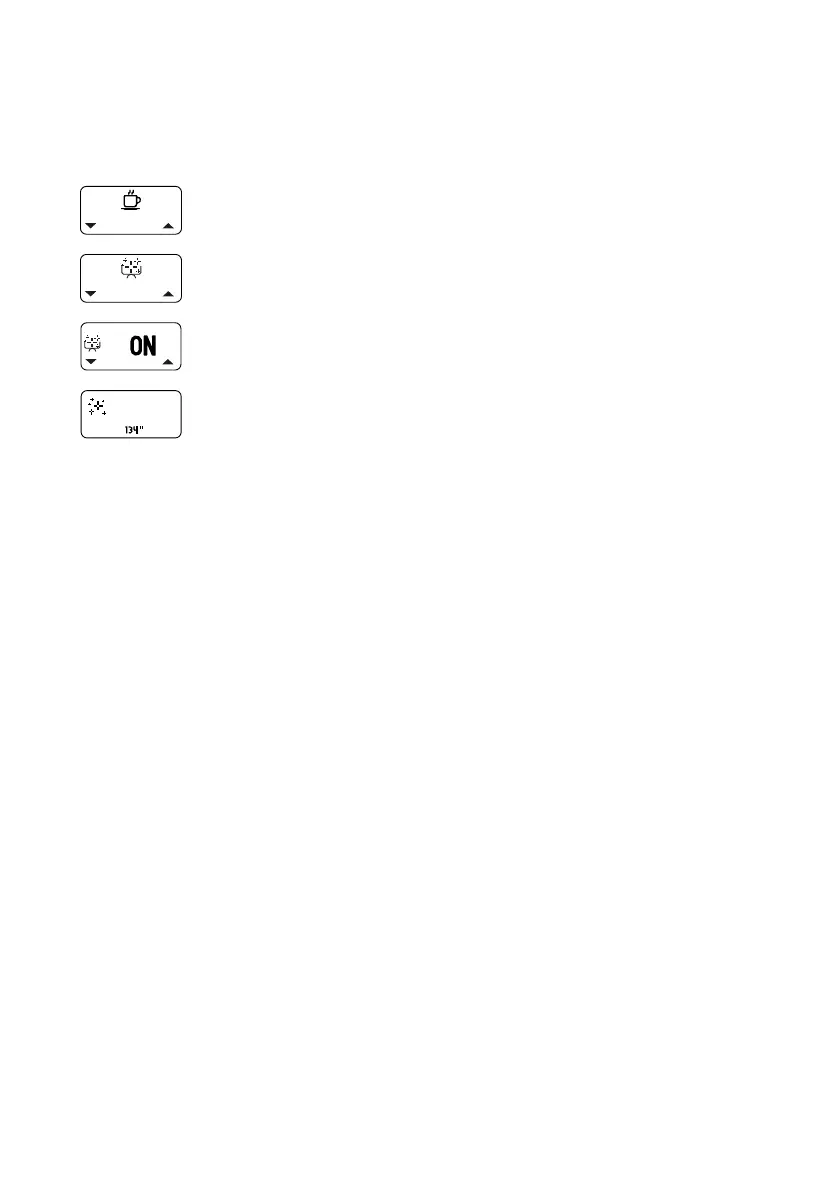
The duration of the automatic clean is 135 seconds and is shown via a
countdown on the display. The clean can be started using a shortcut (see
Chapter 9.3, “Shortcut functions”) or as follows via the menu:
1. Open the main menu.
2. Select and open the “Automated Cleaning” submenu.
3. Select and conrm the “Start” option.
¾ The counter starts at 135seconds and the blind lter lls
with water. The dissolved grease/oils are drained from
the residual water outlet of the brew group. The clean is
nished when the countdown has ended.
4. If the icon for the reminder function “Cleaning Reminder”
appears on the display, reset it (see Chapter 10.3.9,
“Reset Reminder”).
9 The icon will disappear from the display and the counter
will start to count down to the next reminder.
Tip: To end the clean early, press one of the pull buttons.



 To Next Page