EN - 117MOVE_BA_V1.0
10.3.10 Barista Light
The machine lights are located on the underside of the balcony unit. They can
be programmed via the options “ALWAYS ON” (always switched on), “DURING
SHOT” (switched on during pulling), or “OFF” (always switched off).
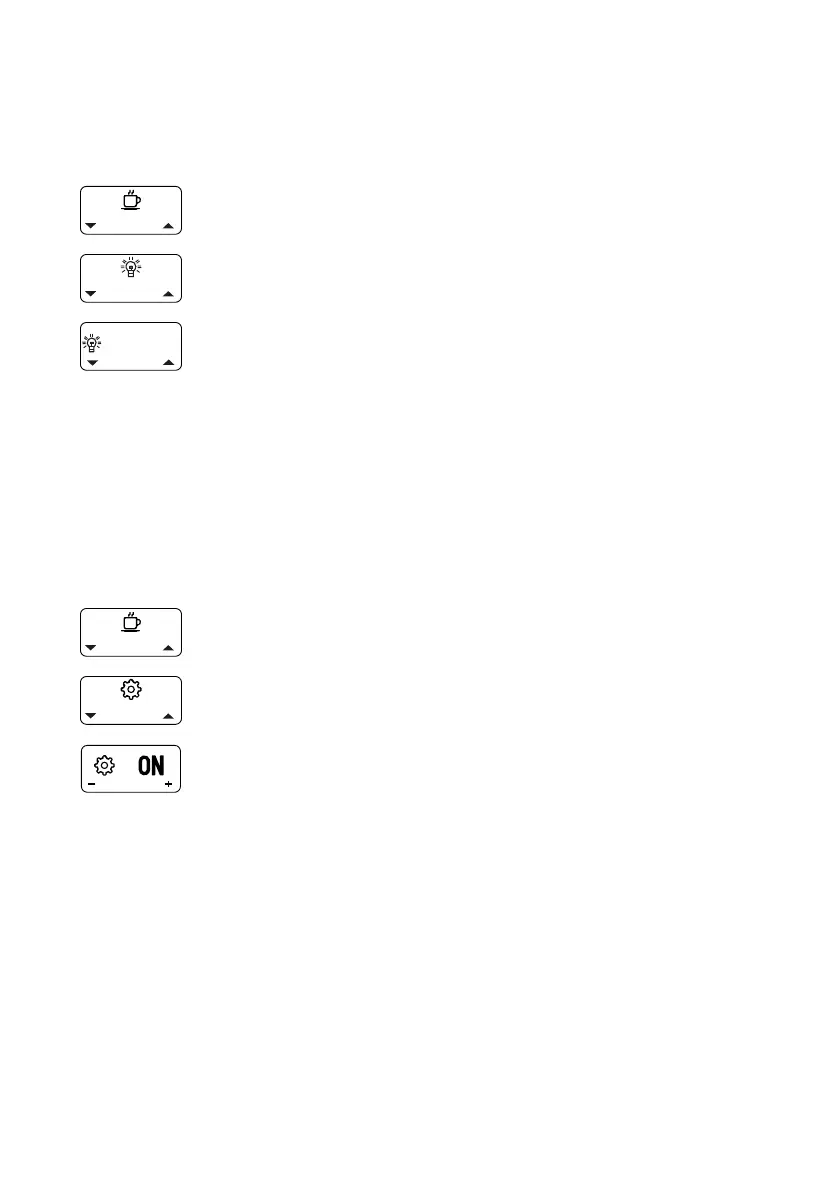
1. Open the main menu.
2. Select and open the “Barista Lights” submenu.
3. Select and conrm the desired setting.
10.4 Advanced menu (user) settings
In addition to the basic settings, the machine also has a range of other
settings. These are hidden during initial start-up. The machine can be used
as normal without the advanced settings. To be able to change the advanced
settings, they must be called up via the “Advanced User Settings” menu.
Changed advanced settings remain active even when the menu has been
closed. The advanced settings can be shown or hidden at any time as follows:
1. Open the main menu.
2. Select and open the “Advanced User Settings” submenu.
3. Select and conrm the setting “ON” (show) or “OFF”
(hide).
9 The setting is applied and the advanced settings are
shown in the main menu.



 To Next Page