MOVE_BA_V1.0EN - 98
9.3.1 Switching on ECO mode
1. Press and hold the left-hand display button for 3 seconds during
operation.
9 The machine activates ECO mode.
9.3.2 Activating or deactivating pre-infusion
1. Press and hold the right-hand display button for 3 seconds during
operation.
9 Depending on the setting, pre-infusion is then activated or deactivated.
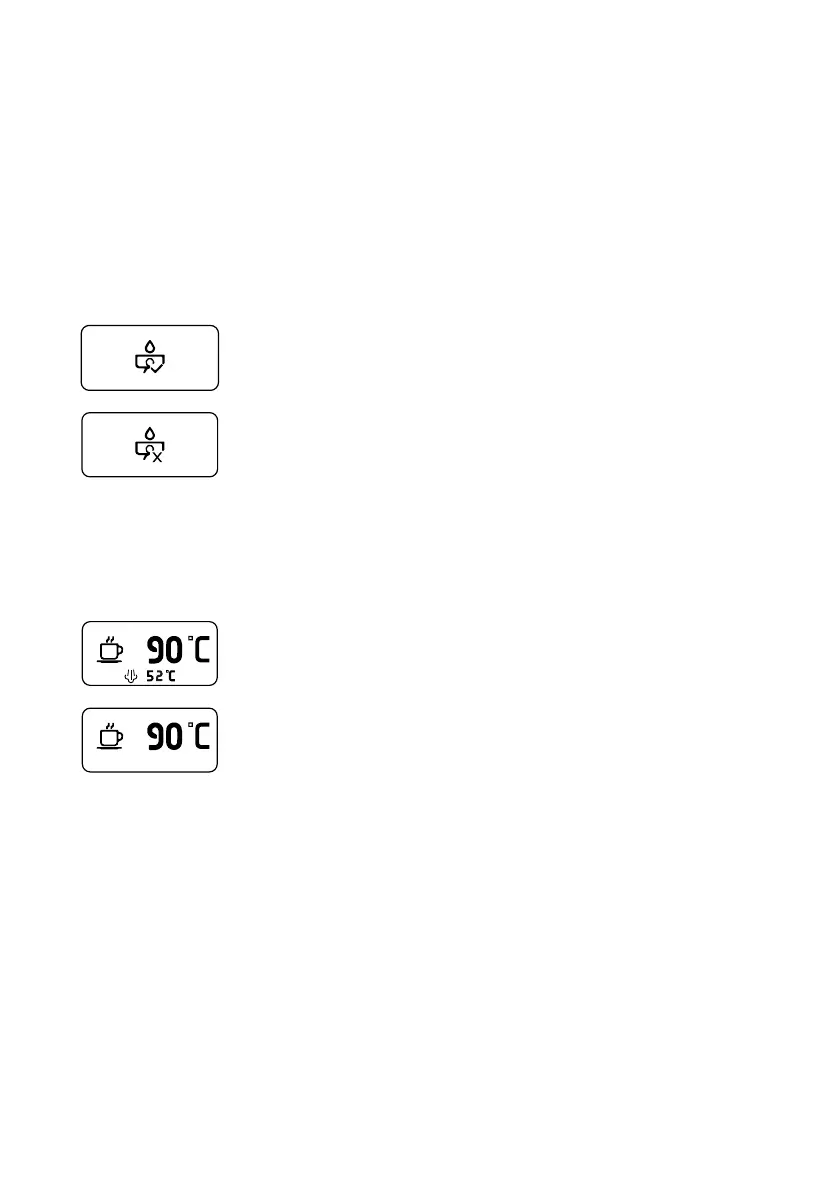
This icon appears when pre-infusion has been activated.
This icon appears when pre-infusion has been deactivated.
9.3.3 Switching the steam boiler on or off
1. Press the right-hand display button once during operation.
9 The steam boiler is switched on or off depending on the current setting.
Steam boiler switched on:
The steam temperature is shown below the brew temperature
on the display.
Steam boiler switched off:
Only the brew temperature is shown on the display.
9.3.4 Automatic cleaning of the brew group
1. Press and hold both pull buttons for 2 seconds during operation.
¾ After 2seconds, a countdown appears on the display and the automatic
cleaning of the brew group is started.
2. Release the buttons.



 To Next Page