EN - 113MOVE_BA_V1.0
has also been activated for the respective pull buttons (see Chapter 10.3.6,
“Brew settings - setting via pull buttons”).
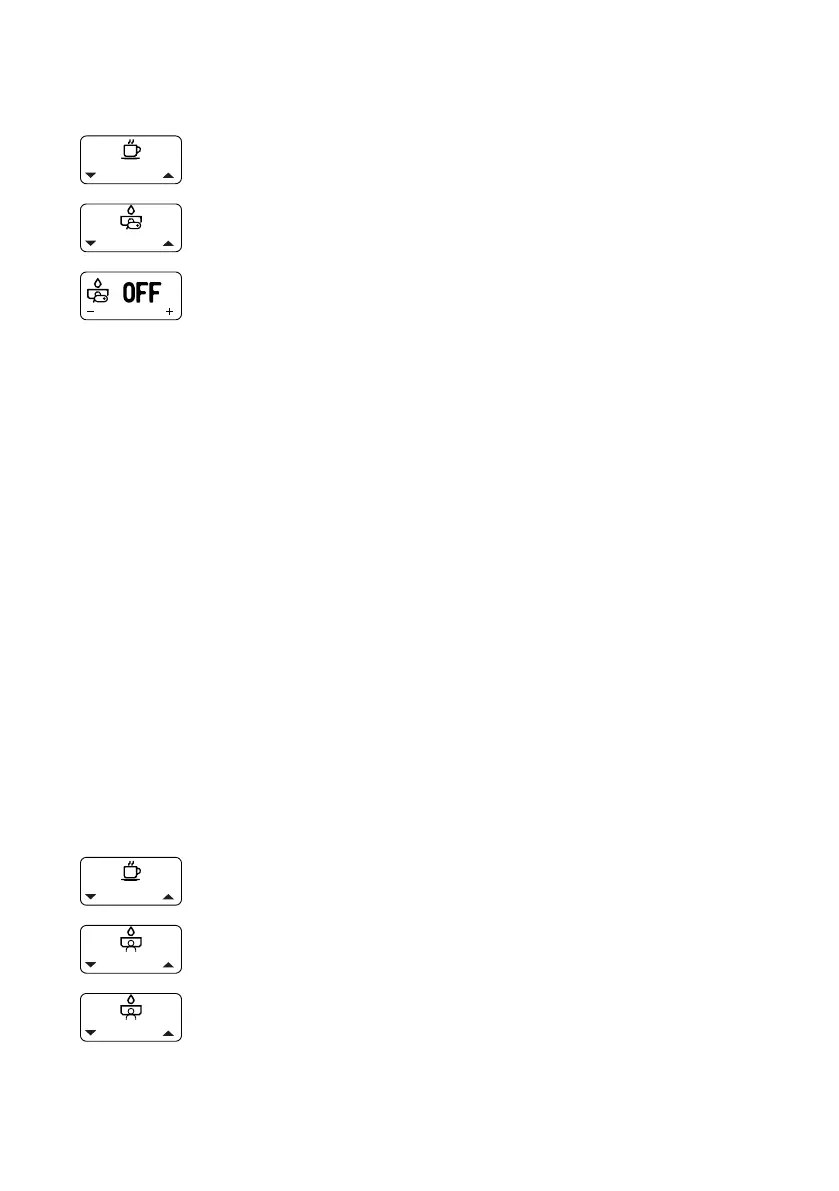
1. Open the main menu.
2. Select and open the “Enable Pre-infusion” submenu.
3. Select and conrm the setting “ON” (pre-infusion
activated) or “OFF” (pre-infusion deactivated).
¾ The setting is applied.
Programming pre-infusion
The procedure for setting the individual parameters for active and passive
pre-infusion is explained in the Chapter 10.3.5, “Brew settings - setting via
the menu”.
10.3.5 Brew settings - setting via the menu
The following brew parameters can be set via the “Brew Settings” menu:
• Brew 1 Settings: Setting the brew parameters for the top pull button.
• Brew 2 Settings: Setting the brew parameters for the bottom pull
button.
• Shot Time: Denes the total duration of the pump activity. The duration
of the passive pre-infusion is not taken into account in the shot time.
• PI Pause: Select the “ON” option to activate pre-infusion for the pull
button. Select the “OFF” option to deactivate the function for the
button.
• Start: Duration in seconds, after which the pump activity for passive
pre-infusion is interrupted.
• Time: Duration of the passive pre-infusion in seconds.
The setting procedure is identical for both pull buttons.
1. Open the main menu.
2. Select and open the “Brew Settings” submenu.
3. Select and conrm “Brew 1 Settings” or “Brew 2
Settings”.
¾ The brew settings appear on the display.



 To Next Page