EN - 115MOVE_BA_V1.0
Setting the pull time with deactivated pre-infusion
After pre-infusion has been deactivated for the desired pull button (“OFF”):
1. Briey press the same pull button.
¾ The LED of the pull button ashes and a timer starts on the display.
2. After the desired pull time has elapsed, press the pull button again.
9 The time value ashes for 2seconds on the display. The pull button is
now programmed with the desired pull time.
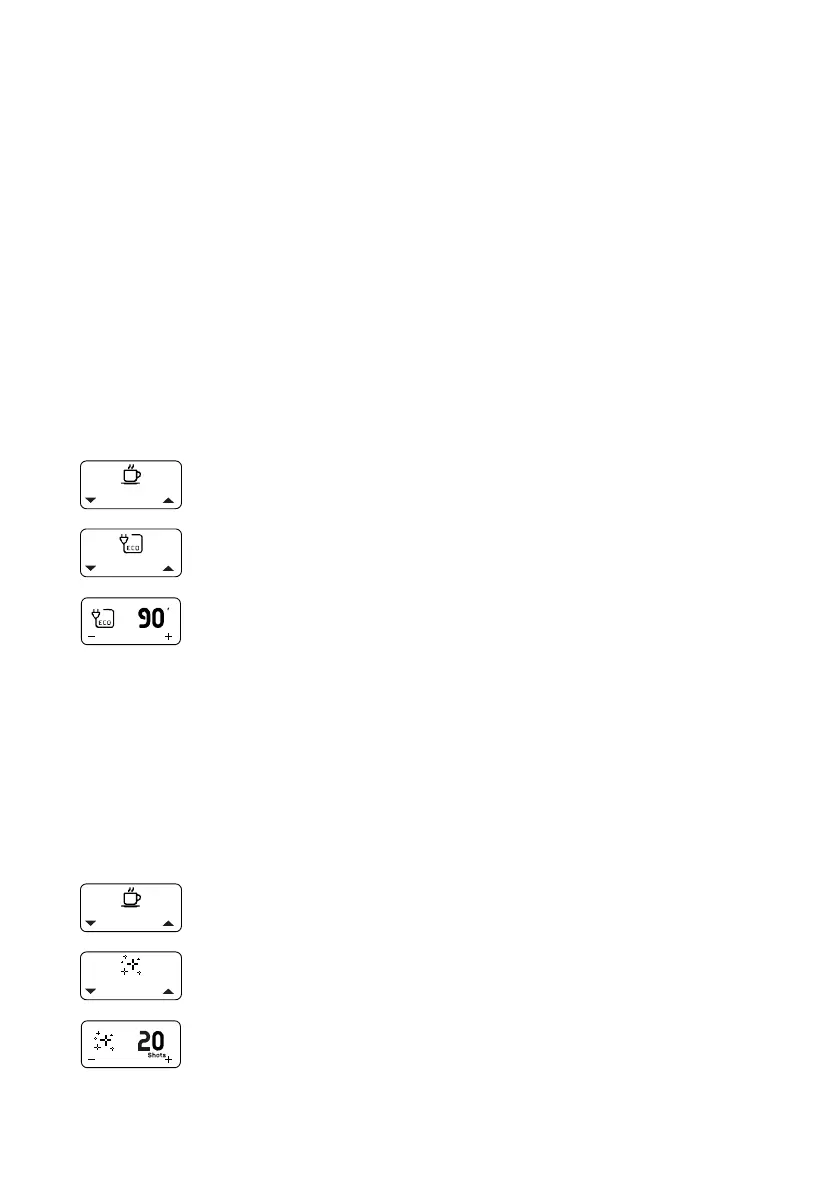
10.3.7 Eco Mode
The following eco mode setting is set by default:
• “30”: Countdown of 30minutes until activation of ECO mode
The function can be set to a value of between 30 and 600minutes or switched
off (“OFF”). The countdown can be set to a maximum of 600minutes in steps
of 30minutes. Proceed as follows:
1. Open the main menu.
2. Select and open the “Eco Mode” submenu.
3. Select and conrm the desired setting.
10.3.8 Cleaning Reminder
A reminder for the next brew group clean can be set via the menu. This
reminder function is deactivated (“OFF”) by default. To activate the function,
the number of cups is set to a value of between 10 and 200 cups (shots) in
steps of 10.
This function is deactivated (“OFF”) by default. It is recommended to clean
the brew group after 90 to 140shots. Only a brewing process of more than 15
seconds is counted as a portion of espresso.
1. Open the main menu.
2. Select and open the “Cleaning Reminder” submenu.
3. Select and conrm the desired setting.



 To Next Page