Clean the exterior of the device from time to time using a cleaning
rag; do not spray the device using steam jet equipment.
CAUTION
Risk of burning! The device may be very hot after long periods of
use.
▶
Allow the compressor to cool.
The following activities must be completed prior to commencing the
filter change:
1. Switch off the power supply.
2. Secure the compressor against unauthorised starting.
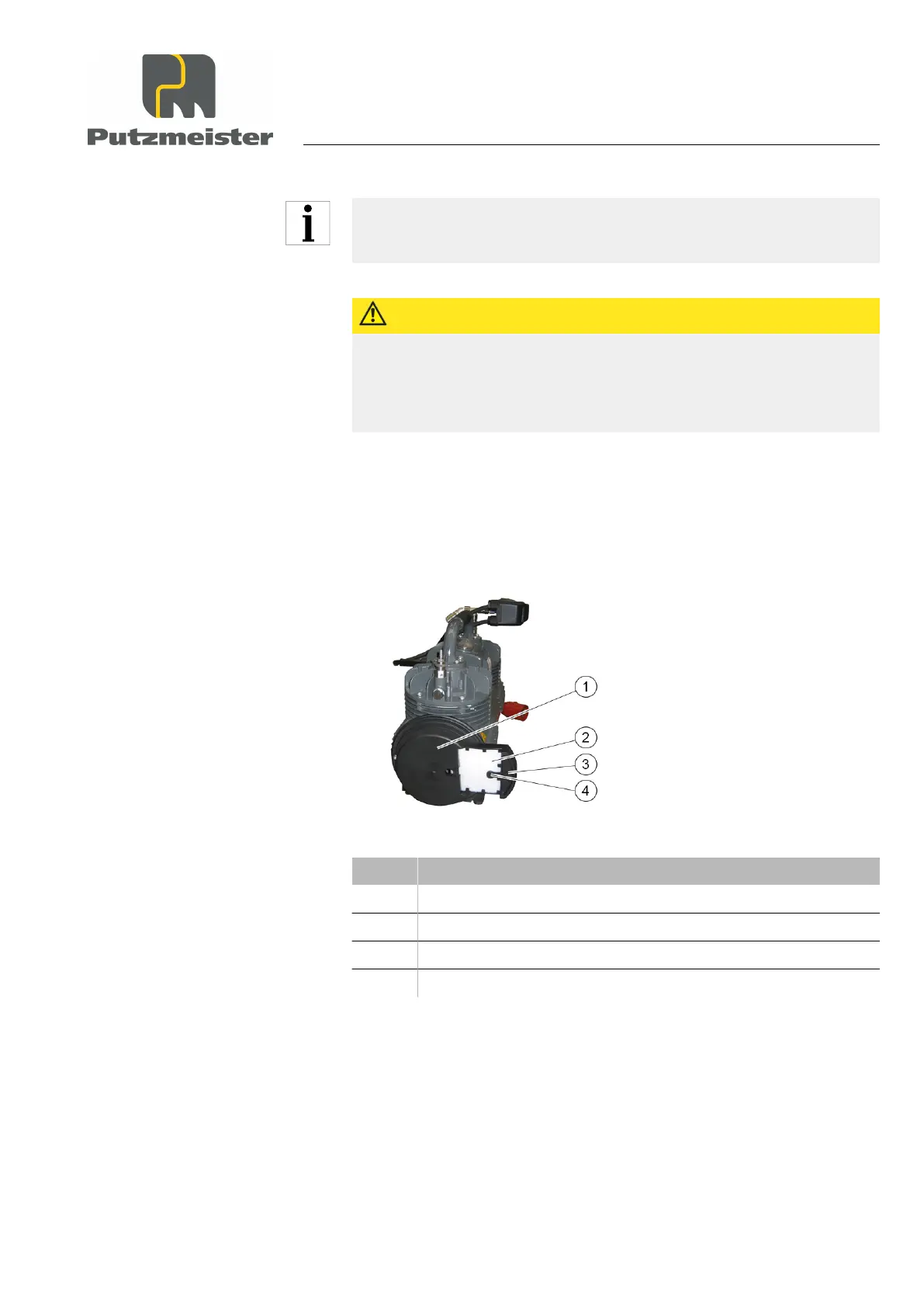
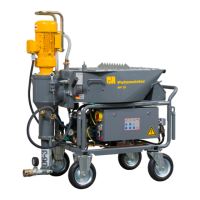
Figure 36: Compressor
Item Designation
1 Cover
2 Filter mats
3 Holder for filter
4 Lock button
3. Press the lock button on the holders on the side covers of the
compressor.
4. Pull the holders forwards to remove it.
5. Check the condition of the filter mats.
6. Replace used filter mats.
Maintenance
8 — 9


 To Next Page