3. On the Date screen, you can configure the printed date as follows:
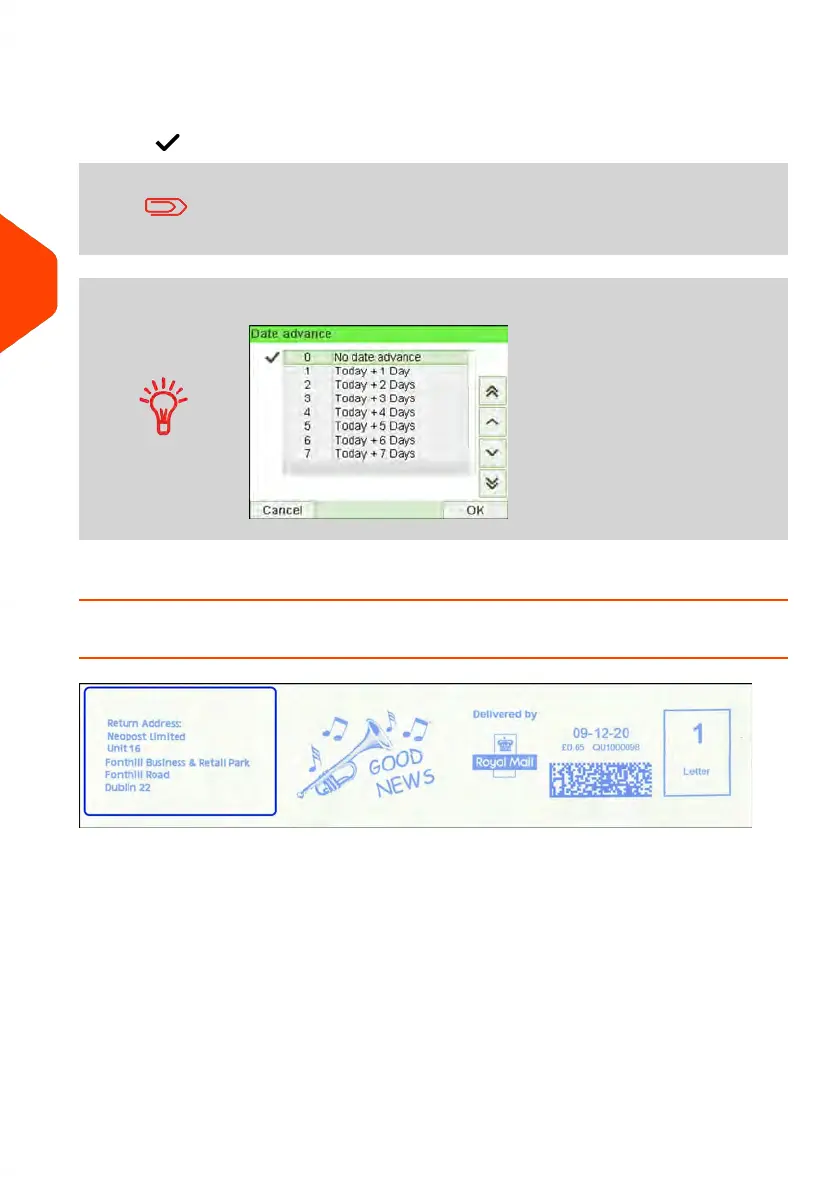
To choose another day, select the corresponding item in the list.
The icon indicates the current selection.
The date can be advanced up to 7 days from today's date.
Use the scroll button to select a different date.
4. Press [OK] to apply changes and return to the configuration menu.
How to Add (or Cancel) an ERA on the Imprint
To add an ERA to the imprint, or to cancel the ERA:
96
| Page 96 | Jun-21-2021 12:11 |
4
Imprints



 To Next Page