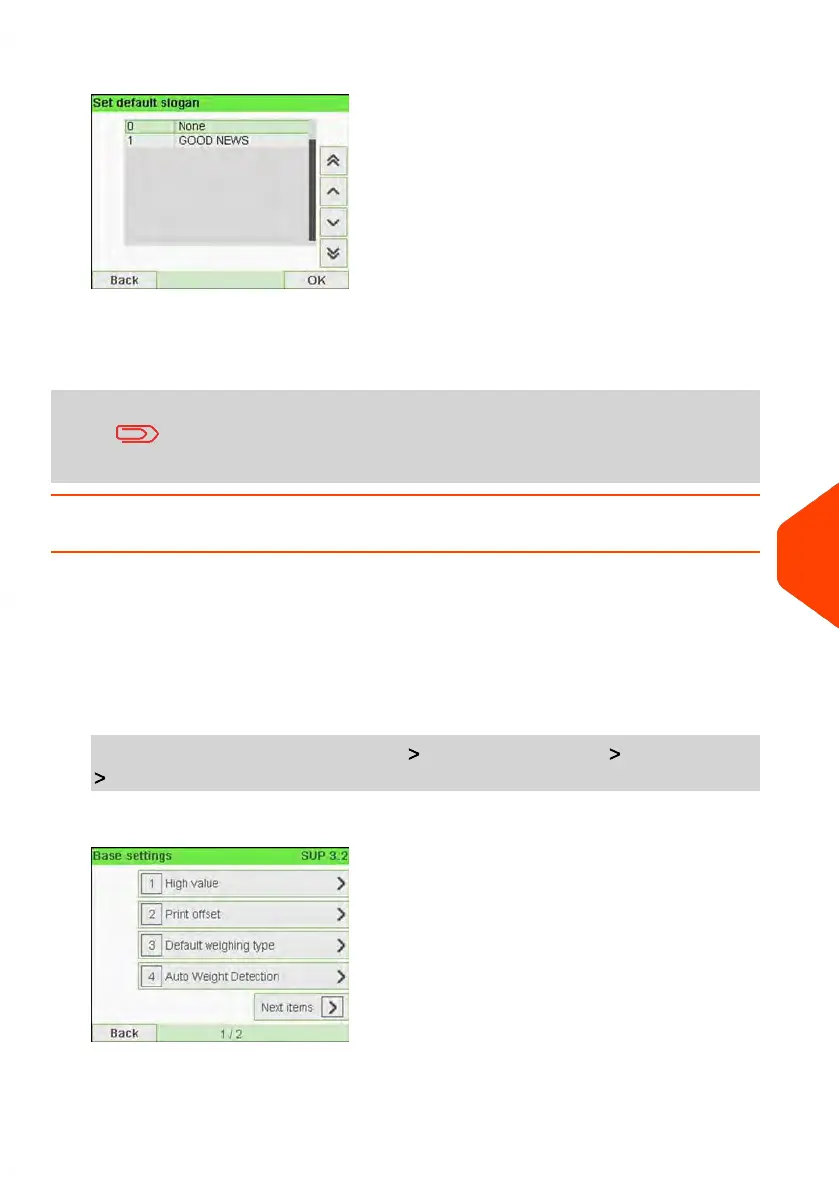
3. Select the default slogan from the list, or None for no slogan.
4. Press [OK] to validate.
See also
• Managing Slogans on page 262.
You can order custom Slogans. Please contact your Customer
Service.
How to Set the Default Printing Offset
The printing offset is the distance between the right edge of the envelope and the
imprint.
You can increase the distance by about 5mm or 10mm.
To change the default printing offset:
1. As supervisor (see How to Log in as Supervisor on page 207):
From the main menu, select the path: Default user settings Base settings
Print Offset
10
Configuring your Mailing System
239
| Page 239 | Jun-21-2021 12:11 |



 To Next Page