Ink Management Service
The Ink Management service sends an electronic message to the Online Services server
when the mailing machine’s ink supply is running low.
An e-mail message then informs you of that condition so that the ink cartridge can be
replaced in time.
For more information, please contact your Customer Service.
How to Process the Wiper
1. As supervisor (see How to Log in as Supervisor on page 207):
From the main menu, select the path: Maintenance Cartridge Wiper Process
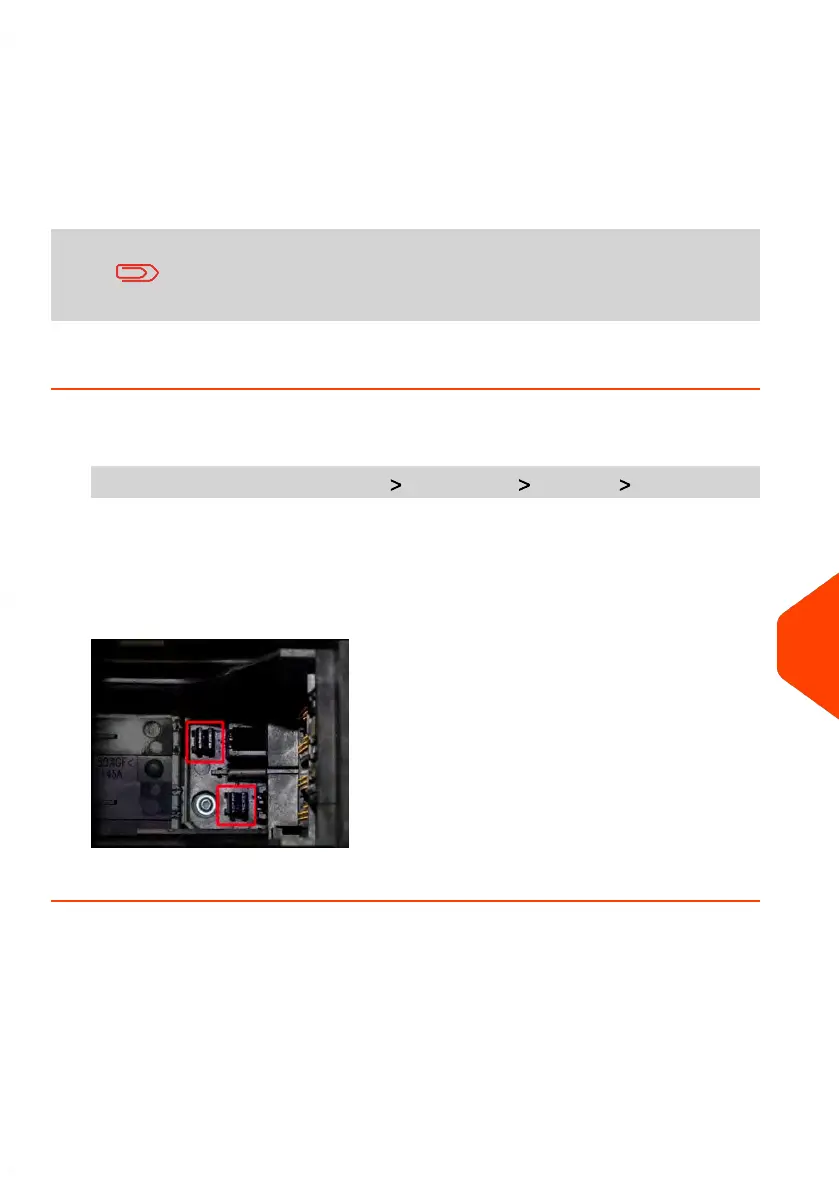
2. Open the cover and remove the cartridge.
3. Press [OK] twice to start the carriage motor.
4. Check wiper and clean if neccesary, then press [OK].
5. Check cartridge is back in replacement position and press [OK] to end test.
12
Maintaining your Mailing System
287
| Page 287 | Jun-21-2021 12:11 |



 To Next Page