or
1. As a user:
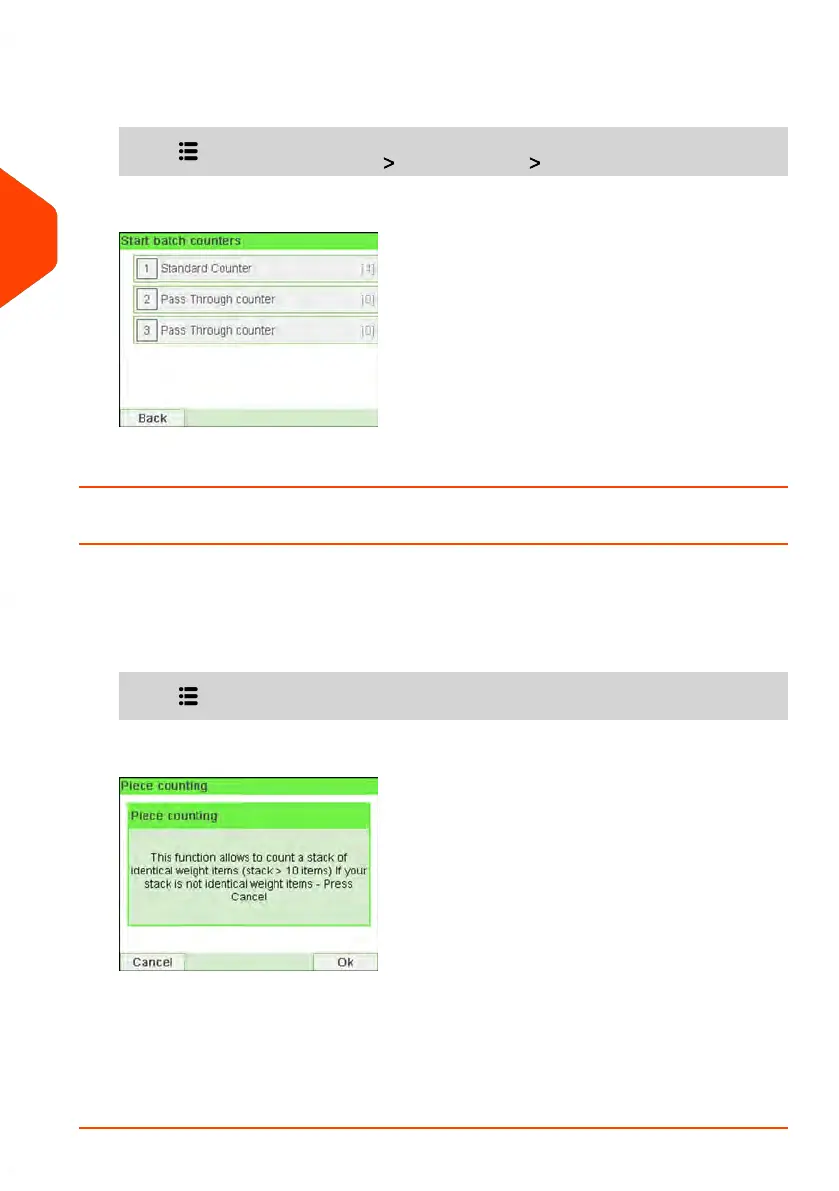
Press and select the path: Batch settings Start batch counters
2. Select the counter you wish to reset and press [OK].
How to Count Mail pieces by Weighing
This function uses the Weighing Platform to count a stack of identical mail pieces.
To count mail pieces by weighing:
1. As a user:
Press and select the path: Piece Counting
2. Press [OK].
3. Place 10 items on the Weigh Platform and press [OK].
4. Put the complete stack of items on the Weigh Platform and press [OK].
5. The total number of items is displayed.
90
| Page 90 | Jun-21-2021 12:11 |
3
Processing Mail



 To Next Page