4. Select Edit/Modify.
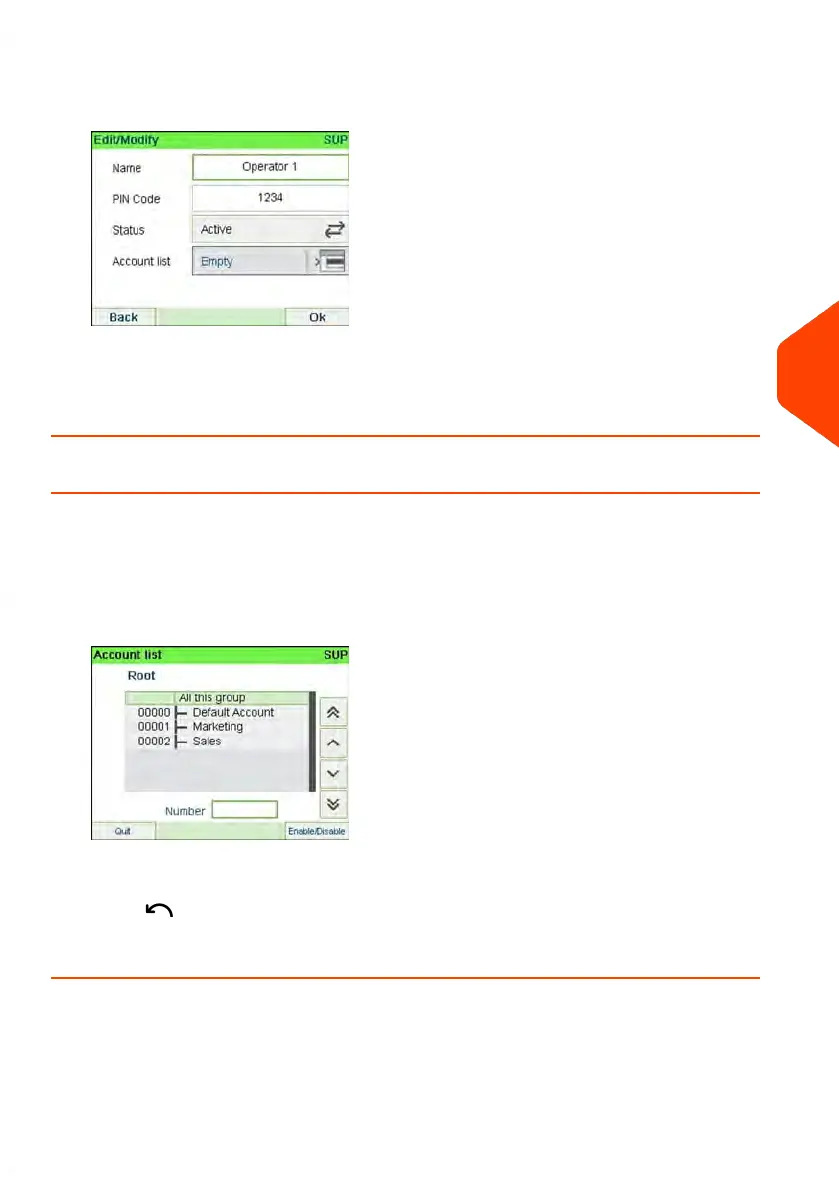
The Edit/Modify screen is displayed.
5. Change the operator options as needed and press [OK] to display the Operator
modification summary screen (Use key [C] to clear characters).
6. Press [OK] to accept your changes.
How to Assign Accounts to an Operator
To create/change the list of Accounts an Operator has access to:
1. Follow the procedure How to Modify an Existing Operator on page 150 until the
Edit modify screen, and select Account list.
The Account List screen is displayed.
2. Select account and press [OK] to Enable/Disable.
3.
Press to return to the Edit/Modify screen.
4. Press [OK] to accept the changes.
6
Accounts and Access Control
151
| Page 151 | Jun-21-2021 12:11 |



 To Next Page