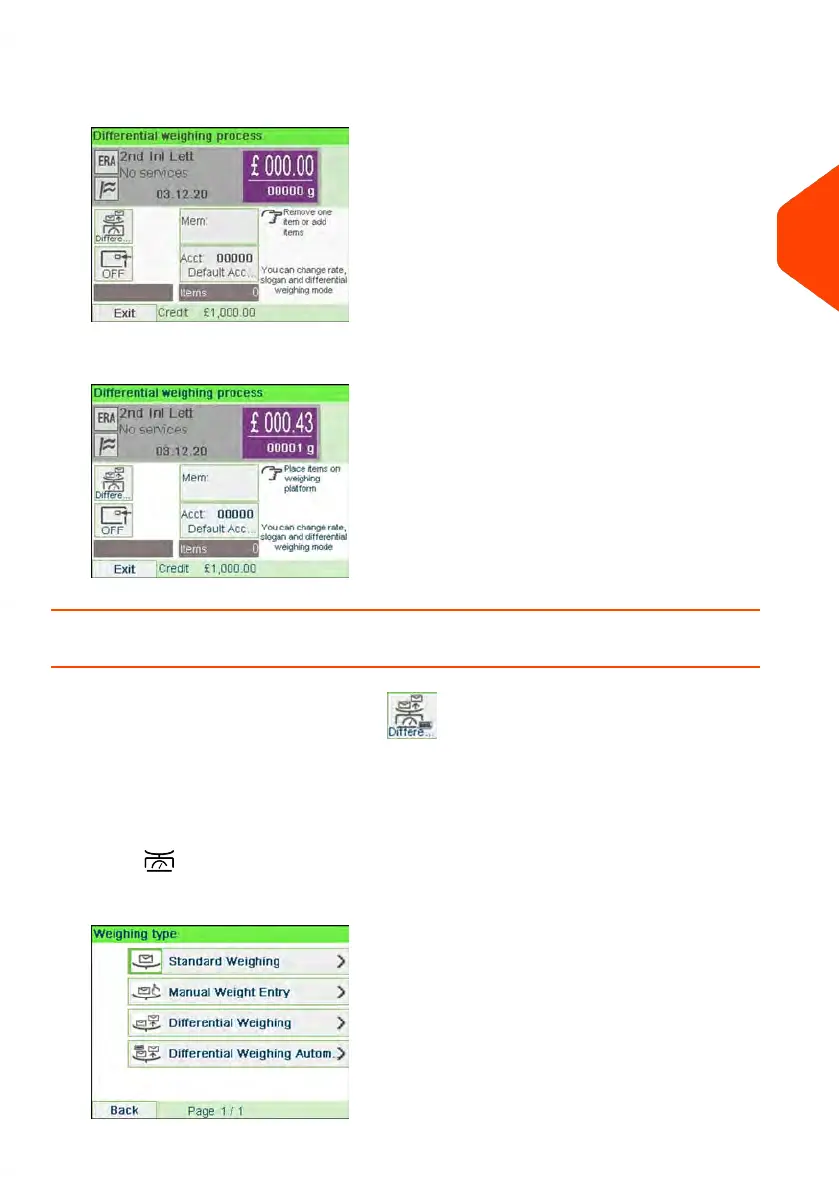
4. As you remove each piece the weight and selected rate and services is displayed
for the piece that is removed.
5. Run the piece through the mailing system to be printed with the indicia.
How to Use Differential Weighing Automatic Label
Differential Weighing Automatic Label (optional)
This mode is identical to Differential Weighing except that the system automatically
prints the postage on labels.
To use Differential Weighing Automatic Label:
1.
Press .
The Weighing type screen is displayed.
3
Processing Mail
77
| Page 77 | Jun-21-2021 12:11 |



 To Next Page