2.
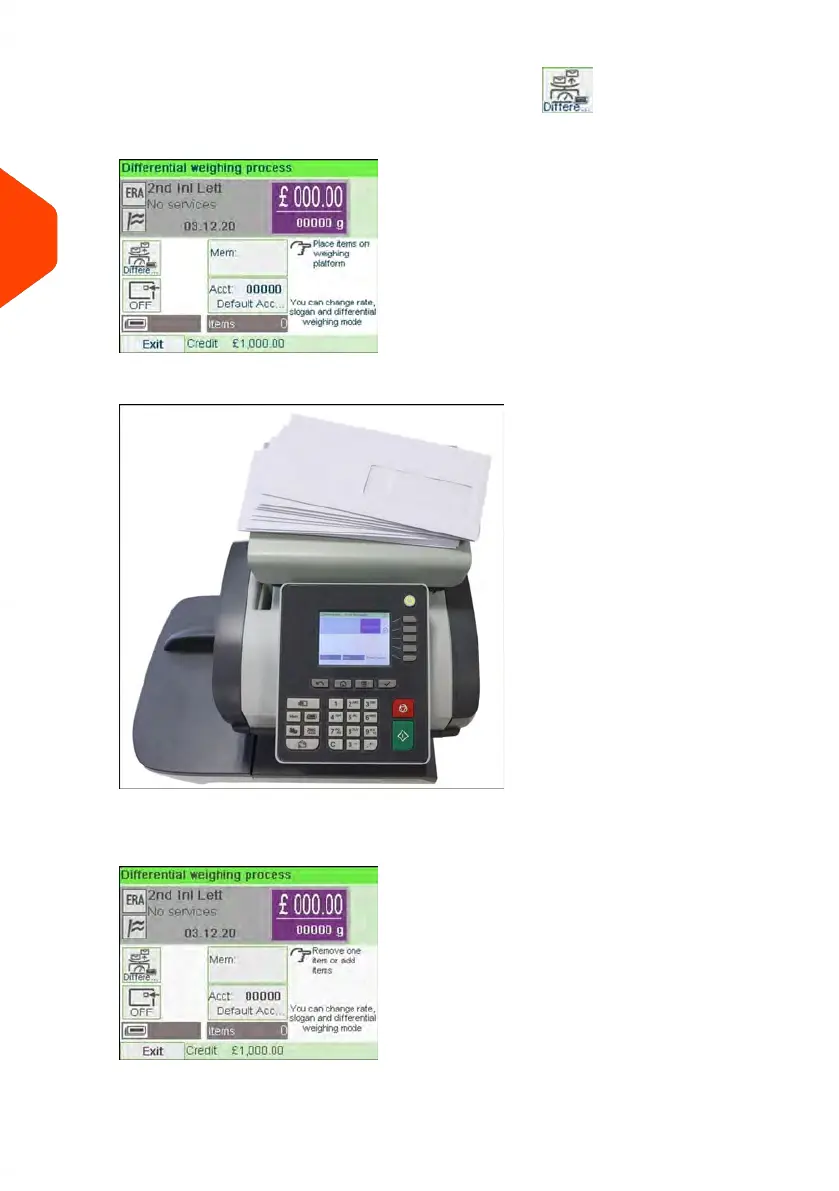
Select Differential Weighing Automatic Label type .
The Weighing type is changed to Differential Weighing Automatic Label.
3. Place the mail piece on Weighing Platform.
4. As you remove each piece the weight and selected rate and services is displayed
for the piece that is removed.
78
| Page 78 | Jun-21-2021 12:11 |
3
Processing Mail



 To Next Page