How to Delete an Account
To delete an Account:
1. Perform procedure How to View/Edit Account Information on page 140.
2. On the Account management screen, select Delete instead of Edit/Modify.
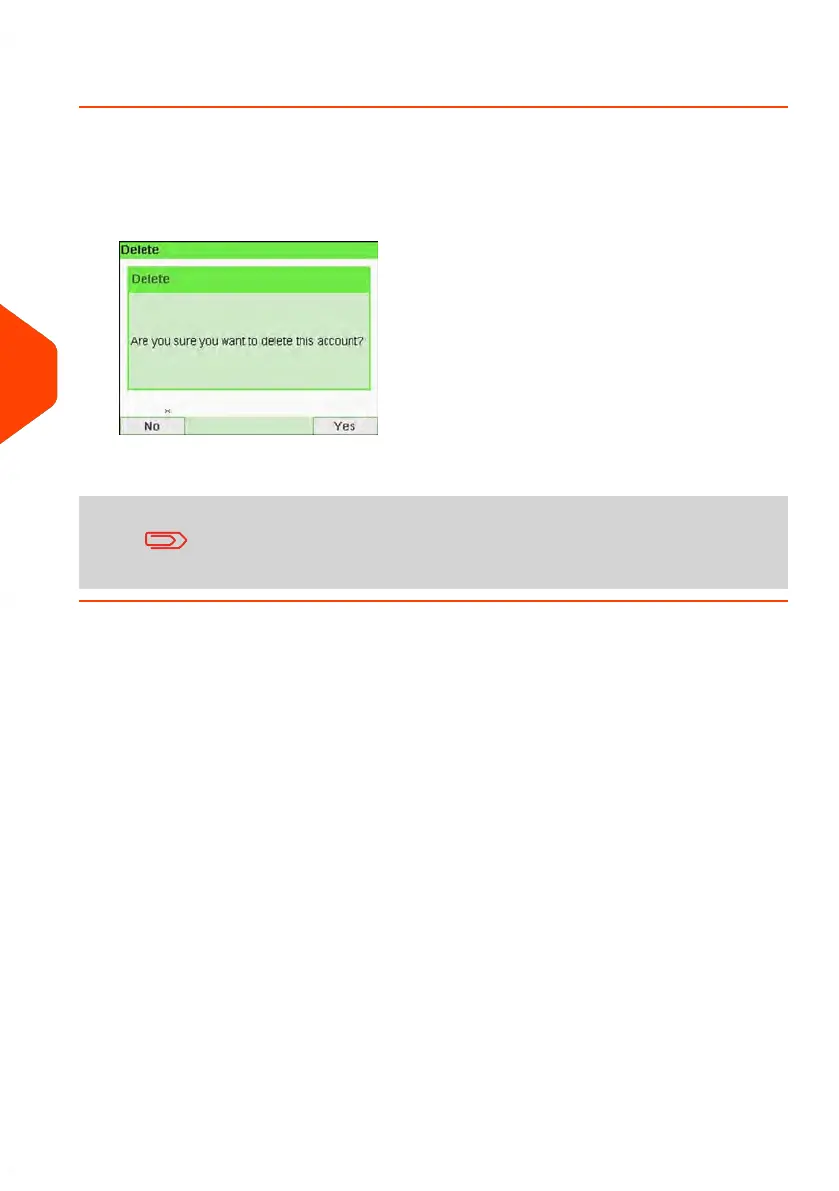
A confirmation of account deletion is displayed.
An account number cannot be modified. If you want to modify
the account number, first delete the account and then create a
new account with a new account number.
142
| Page 142 | Jun-21-2021 12:11 |
6
Accounts and Access Control



 To Next Page